
ComputeSphere brand
Our logo, colors, type, product names and icons, with the files to download and the few rules that keep them consistent.
Logo
Use the full logo wherever it fits. Use the mark alone where the name is already on the page, like an avatar or a favicon.






Clear space
X is a quarter of the mark's width. Leave at least X clear on every side of the logo or the mark.
Size
Below the minimum the logo stops reading: use the mark instead.
Full logo, by width
- 160 px
- 120 px
- 96 px, minimum
- 64 px, too small
Mark, by width
- 48 px

- 32 px
- 24 px
- 16 px, minimum
Do and don't

Logo on white

Logo on ink

Mark on gradient
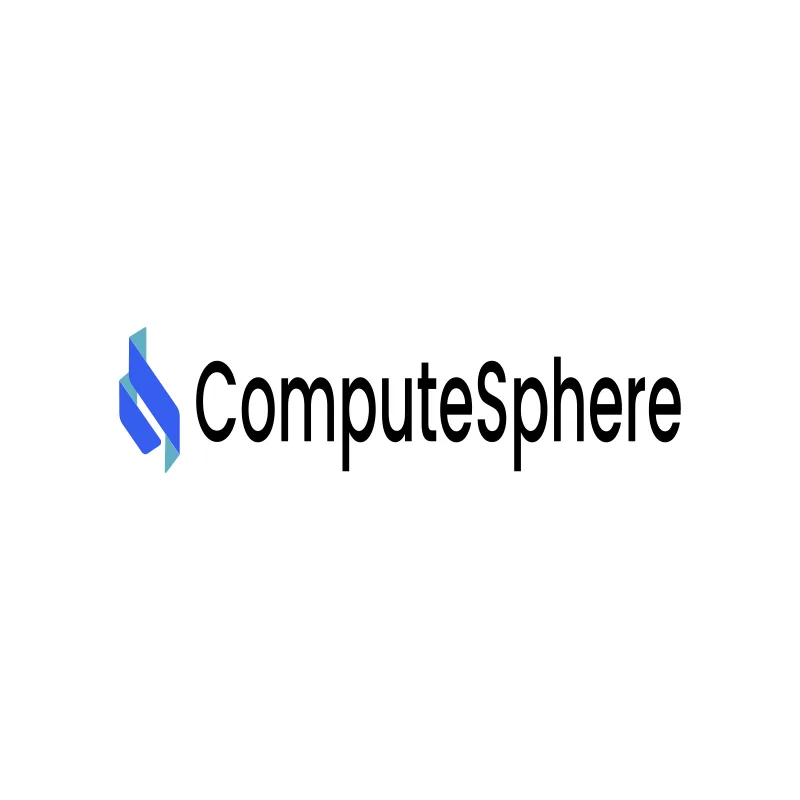
Stretched
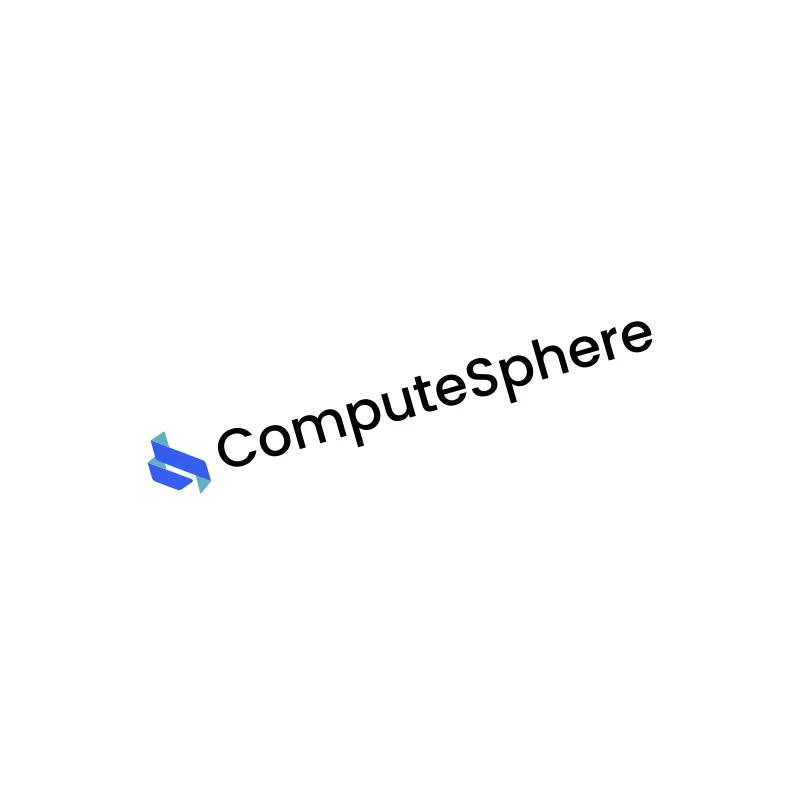
Rotated
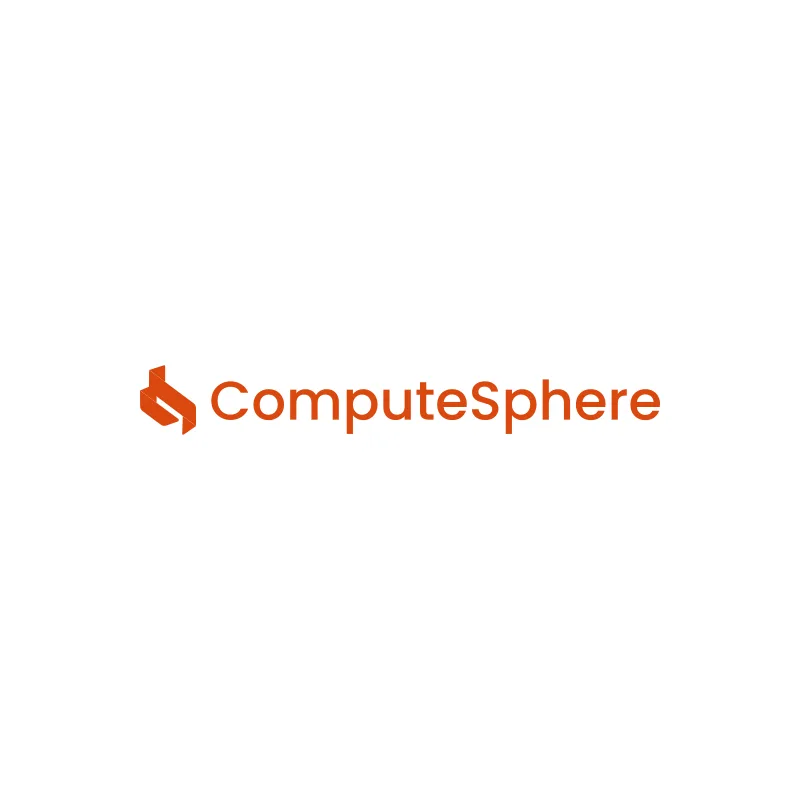
Recolored

Gradient reversed
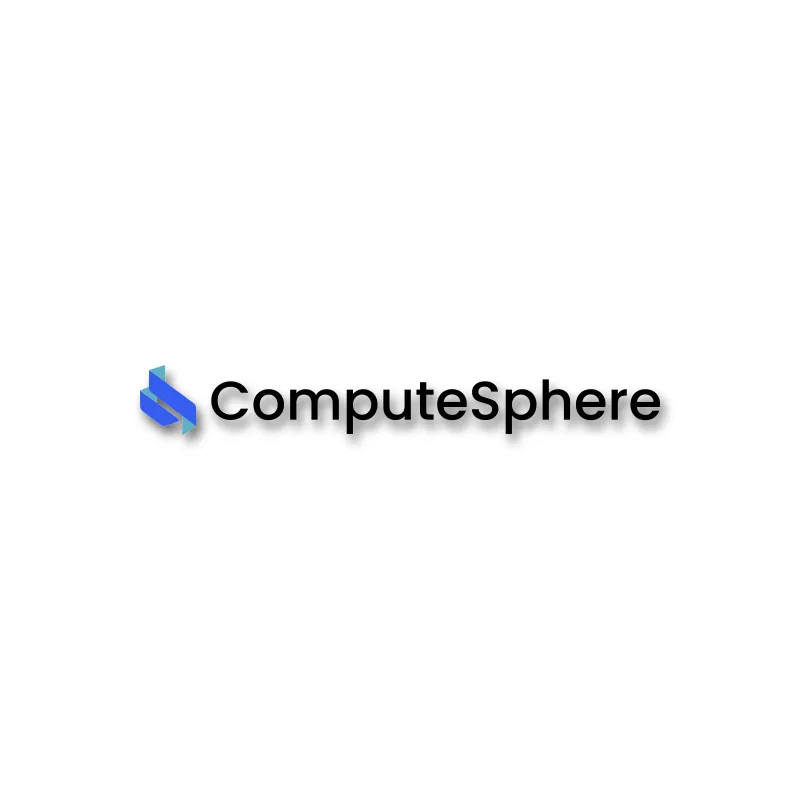
Drop shadow
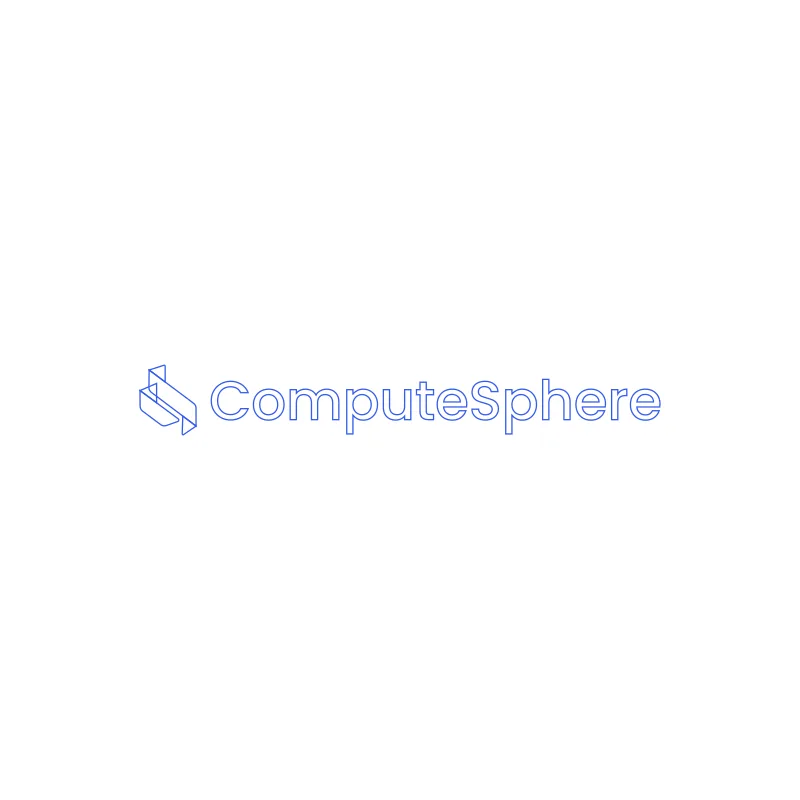
Outlined
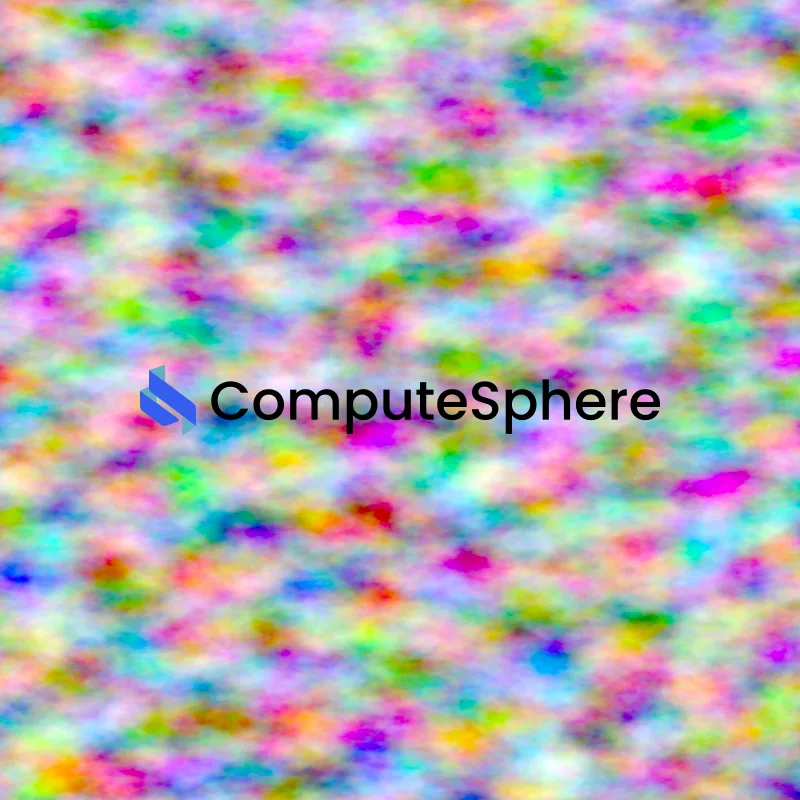
Busy photo
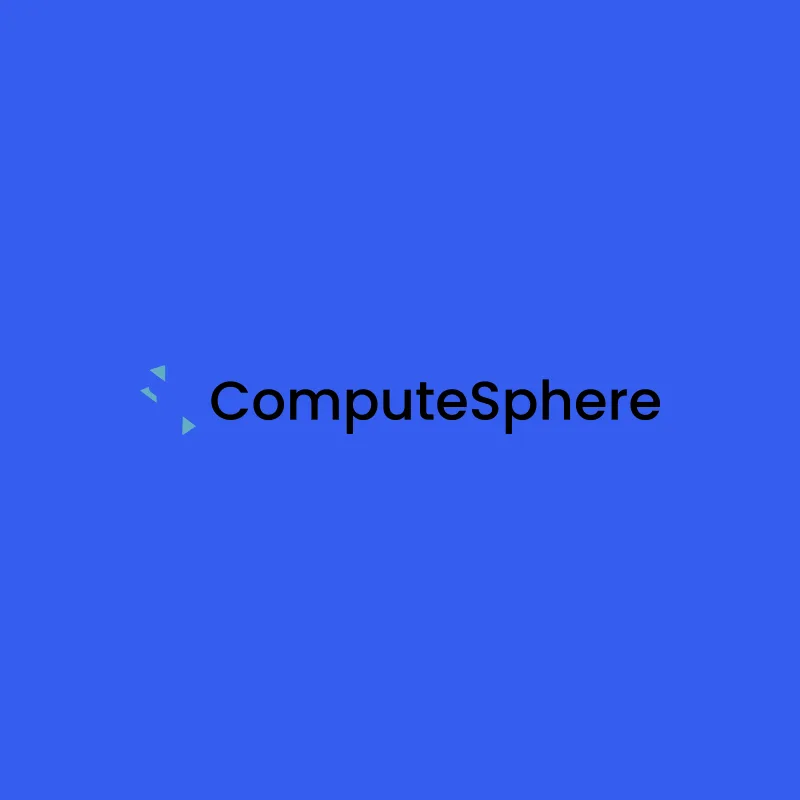
Low contrast
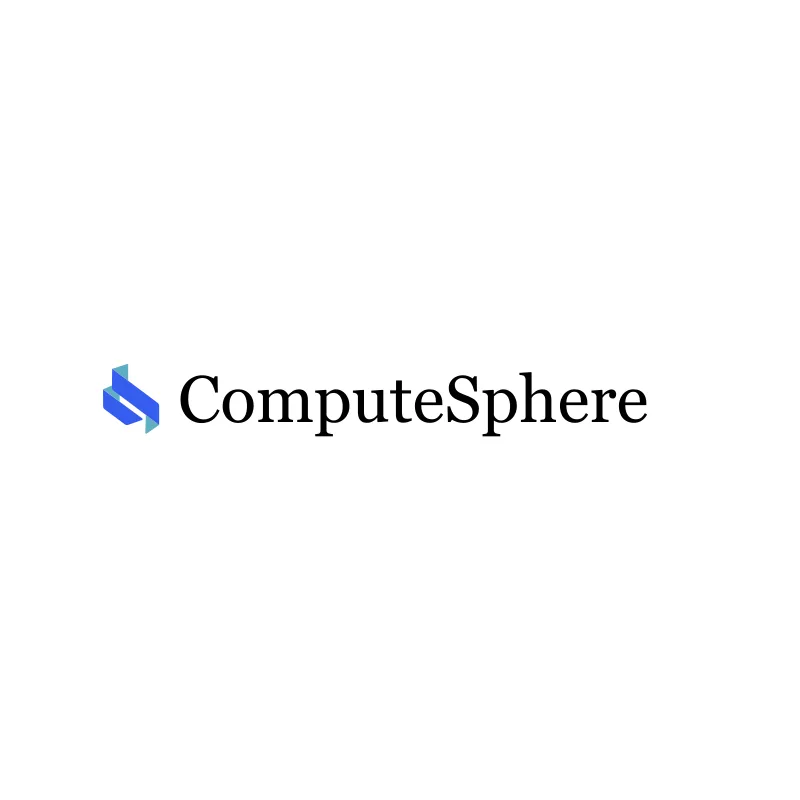
Wrong font
- 1Use the marks as provided: no redraw, recolor, stretch, rotate, effects or outlines.
- 2Keep the clear space (X) and stay at or above the minimum sizes.
- 3The gradient belongs to the logo, tiles and hero art. Never put it on body text or UI chrome.
- 4Icons in the product UI are mono and take the text color. Duotone is only for marketing, onboarding, empty states and product headers.
- 5Hero tier only at 48 px and up. Below 20 px, variant marks drop and the variant shows as text.
- 6Never pair our icons with engine vendor logos.
Color
One gradient, from Brand Blue to Brand Cyan, and neutrals that stay out of its way.
Brand Blue
Links, primary buttons and the large facets of the logo.
Brand Cyan
The logo's small facets. Never text on white.
Deep Blue
The logo's lower stop.
Ink
Text on light.
Paper
The page on light.
Blue on dark
Blue for dark surfaces.
Cyan on dark
Cyan for dark surfaces.
Brand Blue, 50 to 950
Tap a step to copy it. Step 600 is Brand Blue.
Contrast
White on Brand Blue
5.31:1. Passes AA at every text size.
Brand Cyan on white
2.05:1. Never use Brand Cyan for text on white.
Type
Four faces, each with one job.
General Sans · Display · ITF Free Font License · Fontshare
- 72Ship it before lunch
- 48Ship it before lunch
- 32Ship it before lunch
Inter · Body and interface · SIL Open Font License · Google Fonts
Every plan includes unlimited team members, and you pay for the spherelets you hold. Pricing should be something you can work out before the invoice arrives.
Geist Mono · Units, IDs and regions · SIL Open Font License · Vercel
2 vCPU · 4 GB
Source Serif 4 · Long-form blog body only · SIL Open Font License · Google Fonts
A long read deserves a face made for long reads. The blog sets its body text in a serif, and nothing else on the site does.
Products
Every product shares the ComputeSphere gradient; the symbol tells them apart.
- FlexStandardPerformance
SphereDB
Managed PostgreSQL databases.
SVGPNGSphereCache
Managed in-memory cache, powered by Valkey.
SVGPNGSphereQueue
Managed message queues, powered by RabbitMQ.
SVGPNGSphereFiles
Shared, mountable volumes.
SVGPNGSphereShell
A terminal in the browser.
SVGPNGSphereOps
Logs, metrics and health for every service.
SVGPNGSphereGate
A sign-in gate in front of your services.
SVGPNG















One product, three tiers
UI glyph below 48 px. Hero at 48 px and up. Tile in pricing, docs and the create menu.
- 24 px, mono
- 24 px, duotone
 96 px, tile
 128 px, hero
Services
Part of the family, but not products.
- Web serviceService with a public URL
- Private serviceReachable only inside its environment
- Static sitePre-built pages and assets
- Background workerLong-running process, no inbound traffic
- Scheduled jobRuns on a cron schedule
- Prebuilt imageDeploy an existing image (repo:tag), no build
Icons
60 icons on one grid, at one line weight. In the product they are mono and take the color of the text around them.
Services
Compute
Data products
Platform
Status and system
How they are drawn
Product names
One word, with camel caps. Engine names stay plain: PostgreSQL, Valkey, RabbitMQ.
- ComputeSphere
- Compute Sphere
- The platform. The company is ComputeSphere LLC.
- spherelet
- Sphere-let
- The unit every workload runs on. Lowercase in running text; capitalized to start a sentence or as a UI label.
- SphereDB
- Sphere DB, SphereDb
- Managed PostgreSQL databases.
- SphereCache
- Sphere Cache
- Managed in-memory cache, powered by Valkey.
- SphereQueue
- Sphere Queue
- Managed message queues, powered by RabbitMQ.
- SphereFiles
- Sphere Files
- Shared, mountable volumes.
- SphereShell
- Sphere Shell
- A terminal in the browser.
- SphereOps
- Sphere Ops
- Logs, metrics and health for every service.
- SphereGate
- Sphere Gate
- A sign-in gate in front of your services.
Voice
Plain and specific
Numbers, not adjectives.
About what you run
Talk about what the customer runs, not how we run it.
Calm confidence
No hype and no exclamation marks.
Say
- spherelet
- instances
- high availability
- Valkey
Avoid
- node or cluster in pricing
- Redis, for our cache
- ®
Assets
Every kit says what is inside and how big it is.
Brand kit
Logo set, Icon sets, Color tokens, One-page rules (PDF).
SVG, PNG, CSS, JSON, ASE, PDF · 766 KB
Logo
DownloadFull logo for light and dark, Mark, One-color white and ink, SVG, plus PNG at 1x, 2x and 4x on transparent
SVG + PNG · 266 KB
Icons, mono
Download60 SVGs, manifest.json
SVG · 22 KB
Icons, duotone
Download18 SVGs, for use as images
SVG · 8 KB
Product tiles
Download8 SVGs, PNG at 2x, For decks and partner pages
SVG + PNG · 45 KB
Hero tier
Download9 SVGs, PNG at 2x, 48 px and up only
SVG + PNG · 342 KB
Color tokens
Downloadtokens.css, tokens.json, .ase swatch file, Light and dark values
CSS, JSON, ASE · 1 KB
Social
DownloadAvatar, mark on gradient, 400 by 400, Card background, 1200 by 630
PNG · 26 KB
Press and contact
ComputeSphere is a cloud platform that deploys from your repo, with per-spherelet pricing you can work out in advance and managed databases, caches, queues and volumes alongside your services.
The company name is ComputeSphere LLC. Questions go to [email protected].