API tokens
ComputeSphere uses API tokens to authenticate against the REST API and the csph CLI. Every token is csph_-prefixed and scoped — you choose whether a token has full account access, access to specific accounts, or access to specific projects.
There are two variants:
| Variant | Belongs to | Use when |
|---|---|---|
| User Token | You, the signed-in user | Local dev, scripts you run yourself. Follows you across every account you're a member of. |
| Account Token | The account | CI/CD, deploy bots, integrations. Stays with the account when membership changes. |
User Tokens
User Tokens authenticate as you. They live under your profile — not under any single account — and survive across membership changes.
Create a User Token
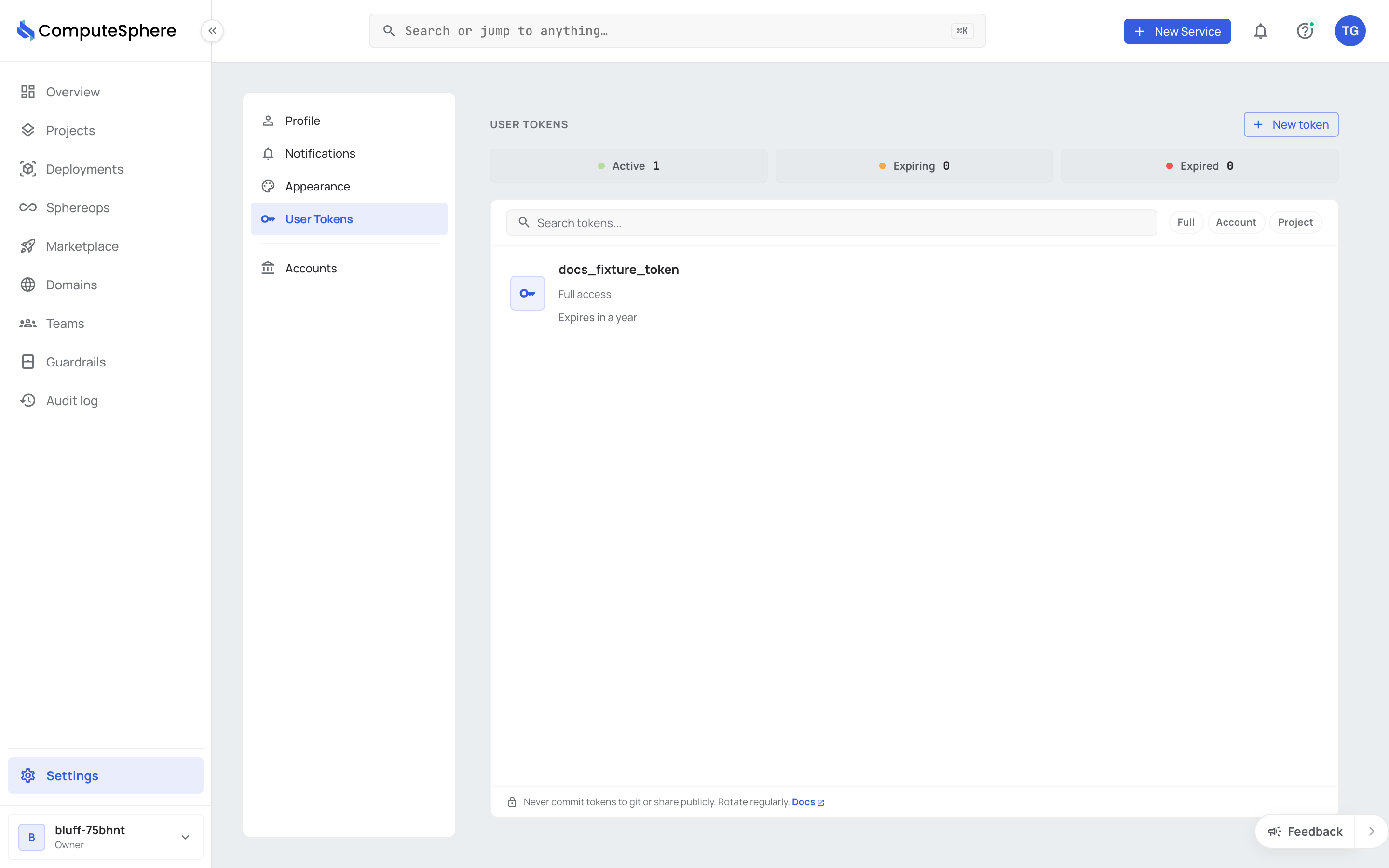
- Go to Settings → User Tokens in the console.
-
Click New token.
-
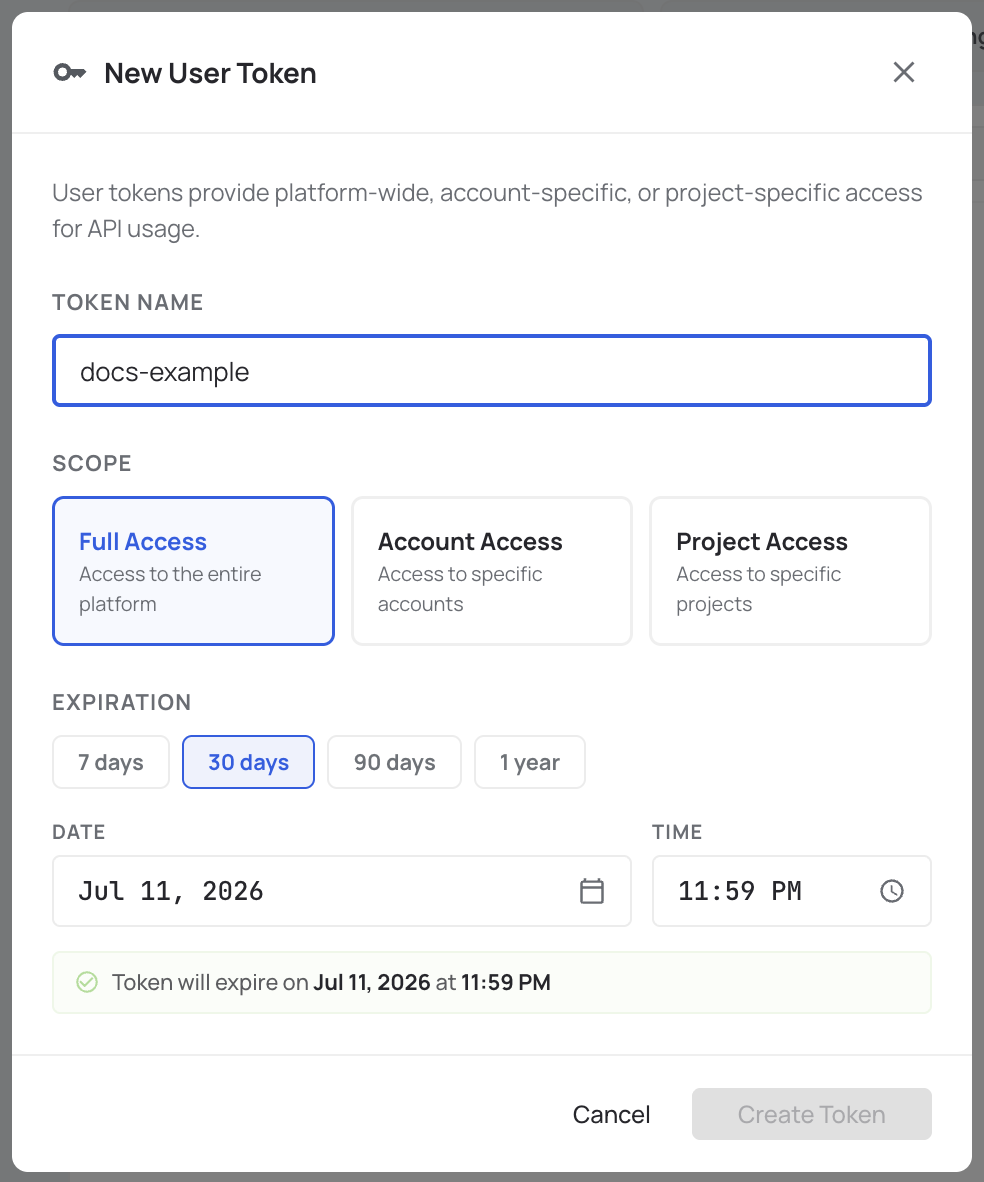
Fill in the token details:
- Name — a human-readable label
- Scope —
Full Access,Account Access(pick which accounts), orProject Access(pick which projects) - Expiration — when the token expires
-
Click Create Token.
-
The token is shown once. Copy it now — there's no way to see it again. Check the acknowledgment and click Done.
Account Tokens
Account Tokens authenticate as the account, not as any user. Use them for CI/CD pipelines, deploy bots, and integrations that need to keep working when a team member leaves.
Account Tokens cannot have Full Access scope — they're already account-scoped by definition. You pick either the whole account or specific projects.
Create an Account Token
-
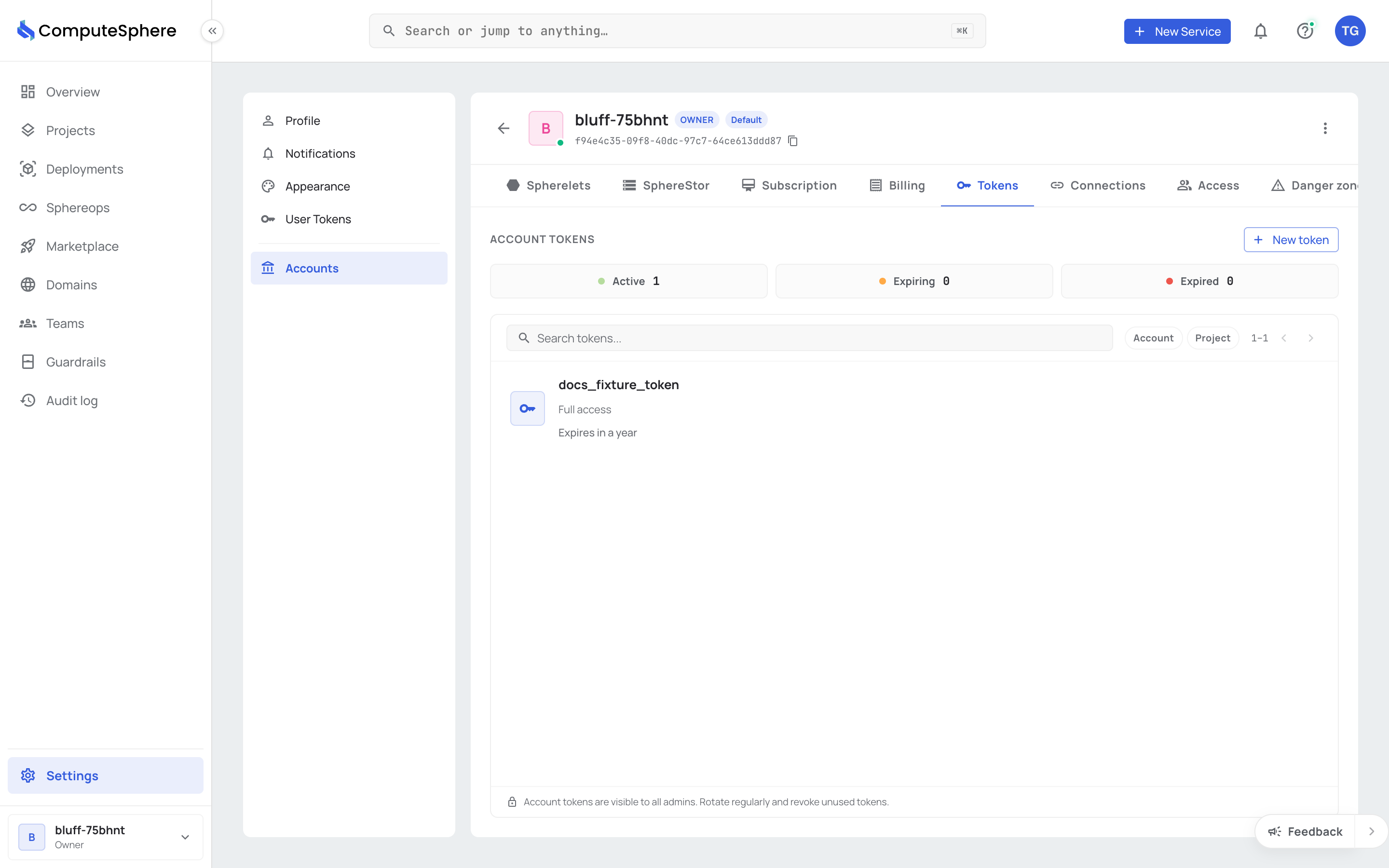
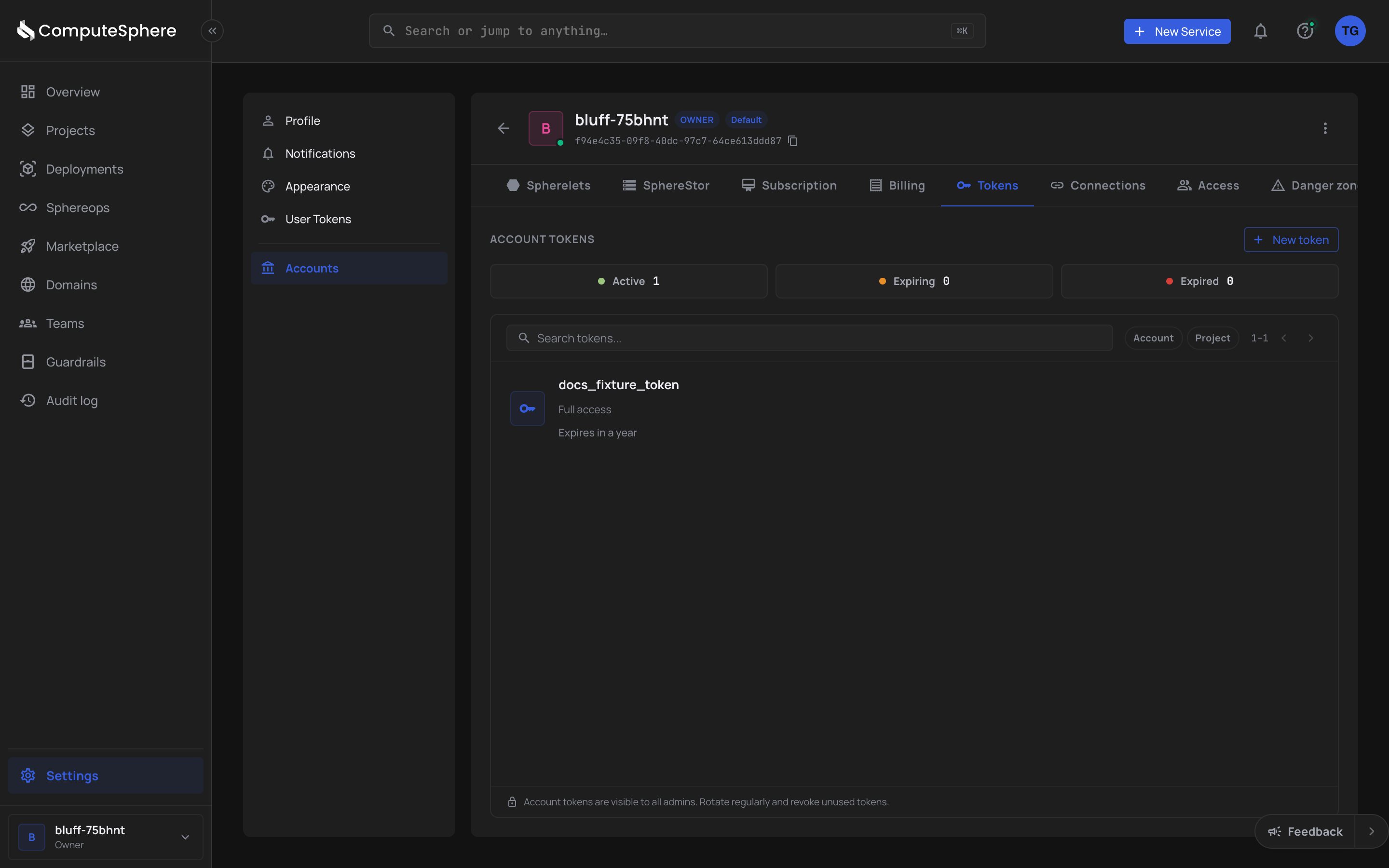
Go to Settings → Accounts, then click the account you want.
-
Open the account's Tokens tab.
-
Click New token.
-
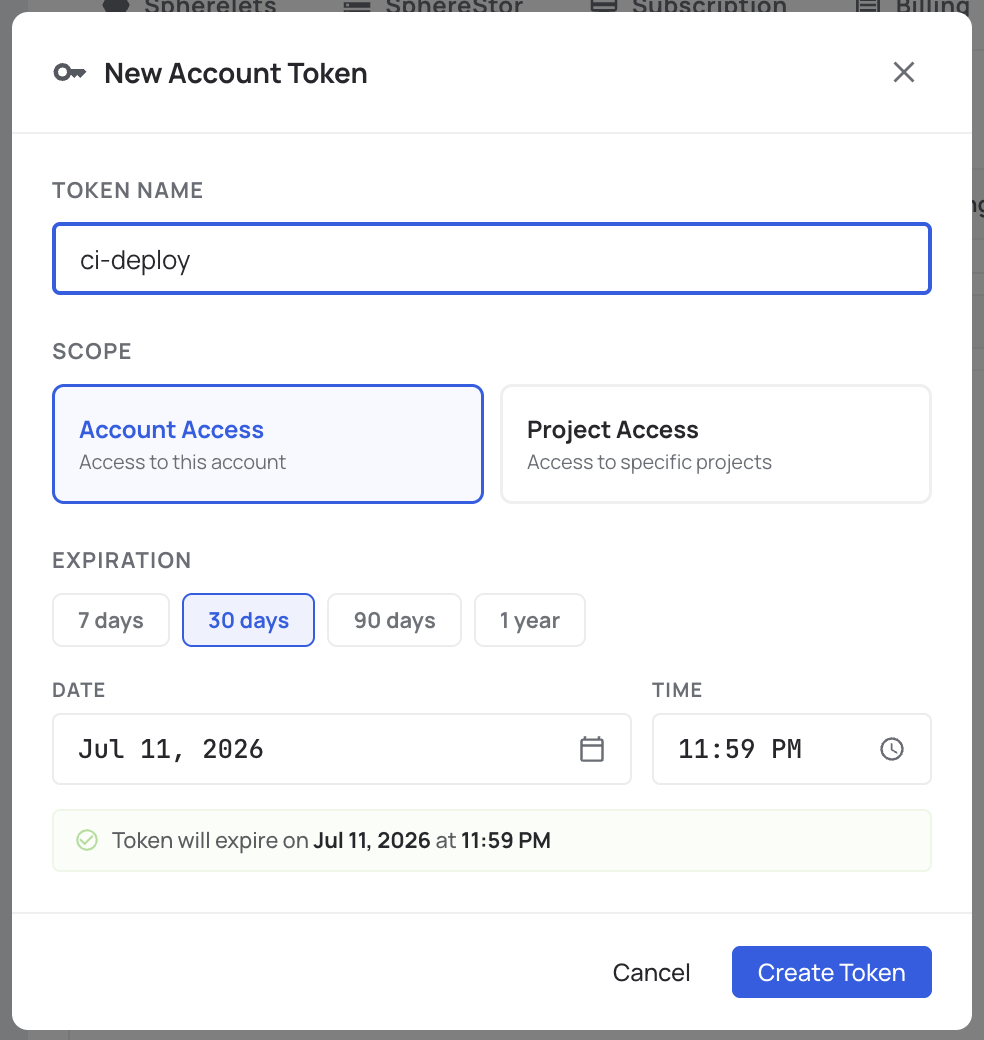
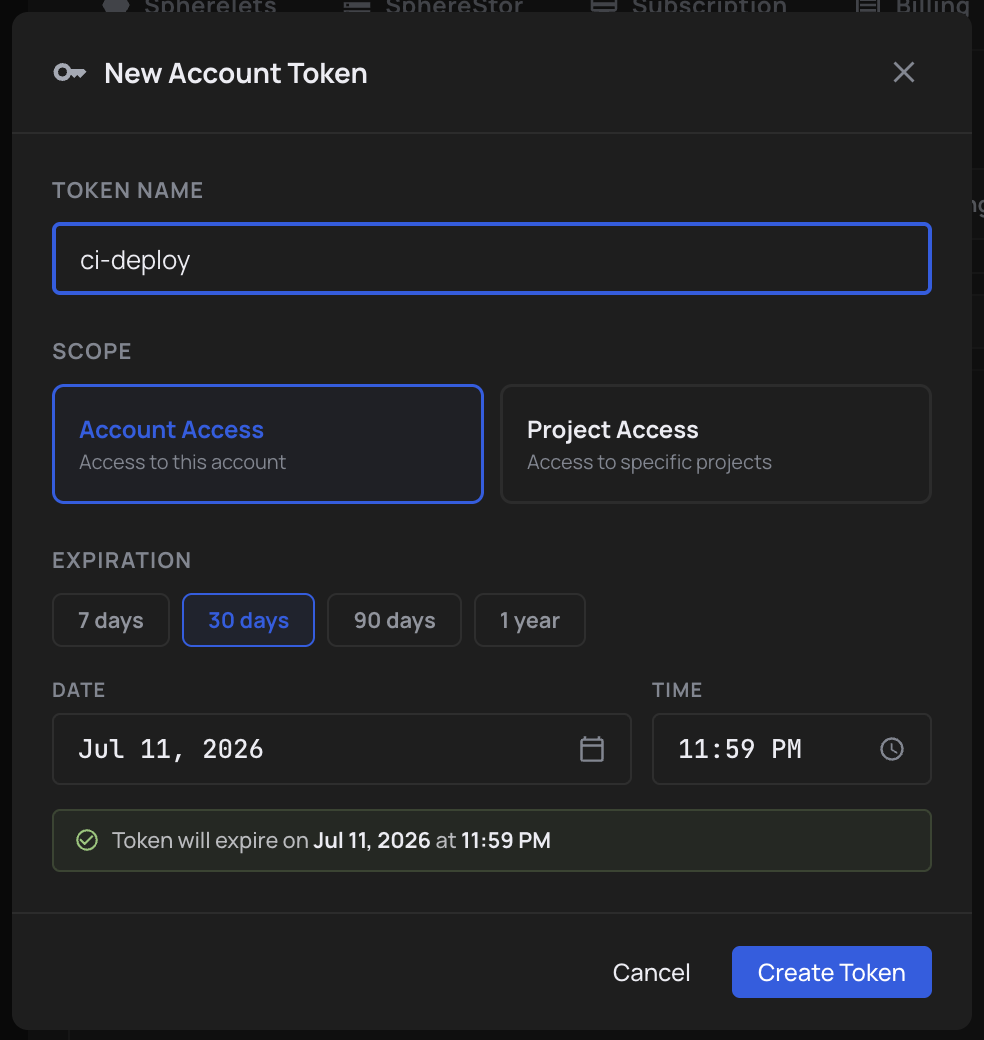
Fill in the token details:
- Name — usually the service that'll use it (e.g.
gh-actions-deploy) - Scope —
Account Access(whole account) orProject Access(pick which projects) - Expiration — when the token expires
- Name — usually the service that'll use it (e.g.
-
Click Create Token.
-
The token is shown once. Copy it into your CI secret store immediately.
Scopes
| Scope | User token | Account token | What it grants |
|---|---|---|---|
Full Accessfull | — | Every resource you can access as a user | |
Account Accessaccount | Every resource in the chosen account(s) | ||
Project Accessproject | Only the chosen projects |
Pick the narrowest scope that works. Project-scoped tokens limit blast radius if a token ever leaks.
Use a token
Pass the token as a bearer credential:
curl https://api.computesphere.com/v2/users/me \
  -H "Authorization: Bearer csph_abc123…"
Or set it in the CLI:
csph auth login --token csph_abc123…
Rotate or revoke
Tokens are immutable. To rotate, create a new token and delete the old one. The old token's authentication stops working the moment you delete it — there's no grace window. Update your secrets store before deleting.