Add a service
A service is the unit you actually deploy. It lives inside a project, runs inside an environment, and ships as one or more spherelets.
This page covers creating one — from the console, the API, or the CLI.
Service types
| Type | What it is | Detail page |
|---|---|---|
| Web service | Long-running HTTP service with a public URL and zero-downtime rollouts. | Web service |
| Background worker | Long-running process with no inbound traffic — queues, schedulers, daemons. | Background worker |
| Cron job | Runs on a schedule. Spherelet starts, executes, exits. | Cron jobs |
| Datastore | SphereDB (PostgreSQL), SphereCache (Valkey) or SphereQueue (RabbitMQ). | Datastores |
Pick the type that matches the workload — the rest of the create flow asks the right questions for that type.
Create a service
-
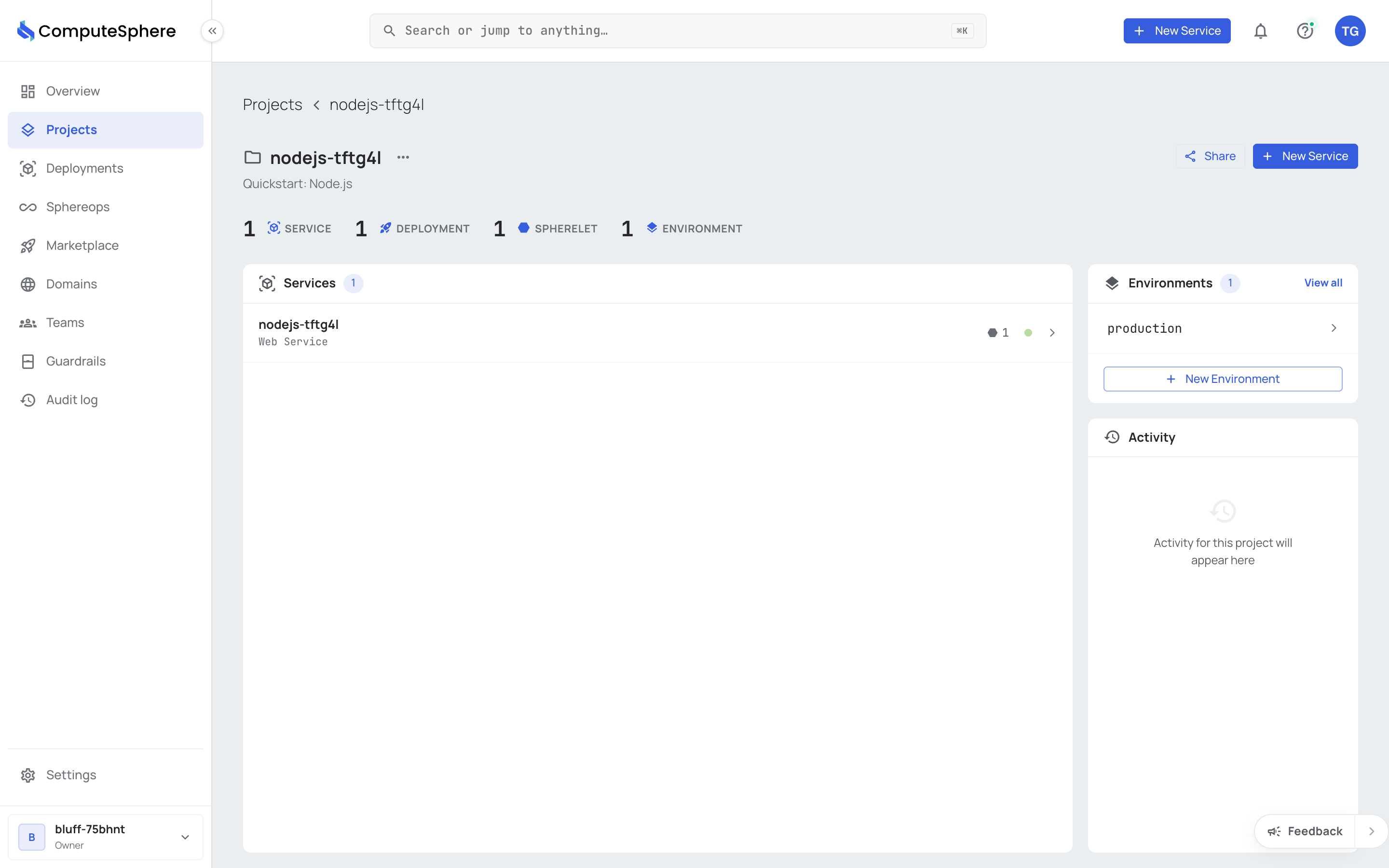
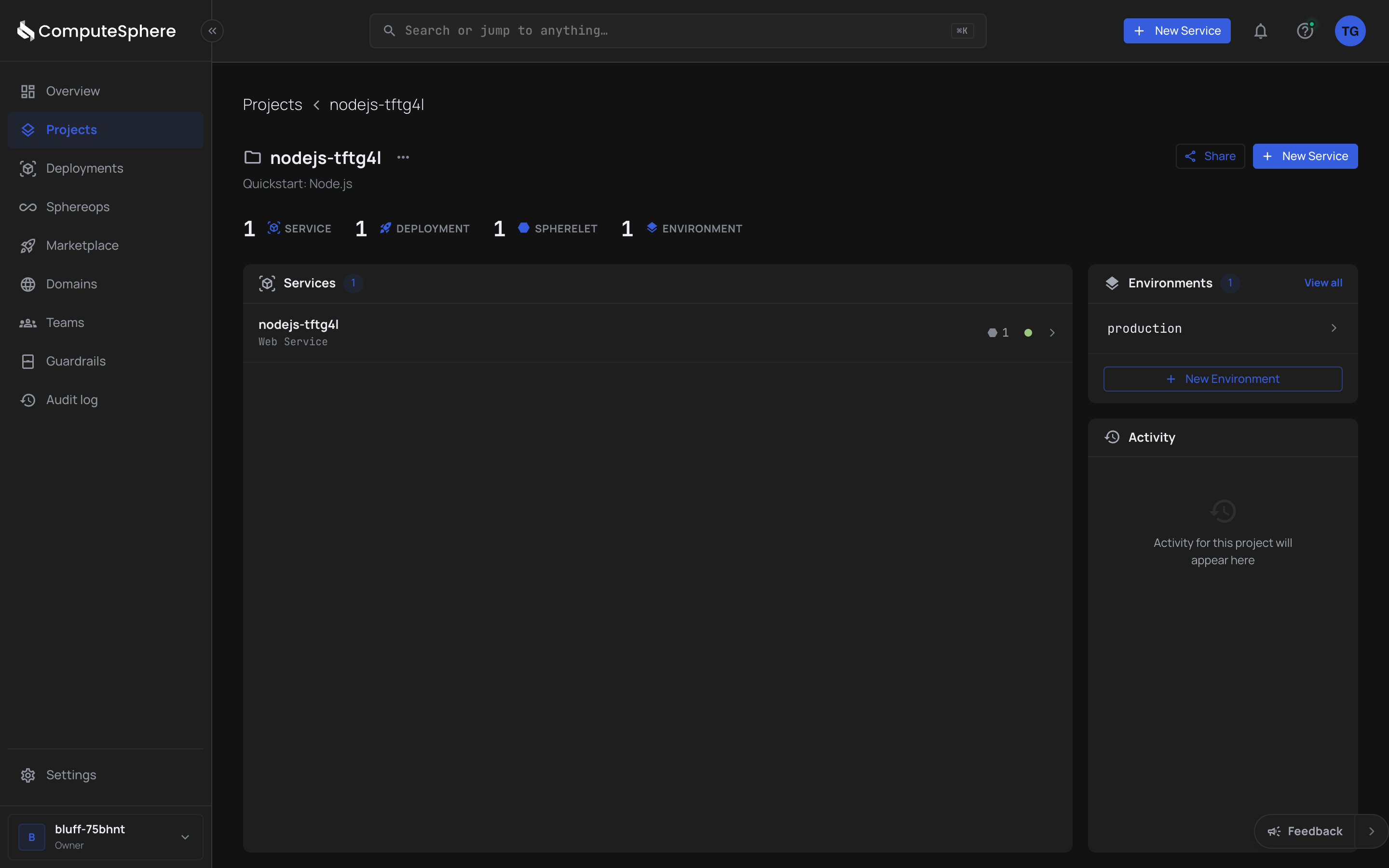
Open the Projects tab in the console and pick the project the service belongs to.
-
Inside the project, click New Service.


-
Pick the service type. Each type has its own setup questions:
-
Web service / background worker — connect a Git repo or paste a container image URL, set environment variables, pick a spherelet shape and count.
For a repository picked through a GitHub, GitLab or Bitbucket connection, the page reads the repository and shows What your app needs: the environment variables the app reads, the data services it uses and the hosts it calls out to, each with the file and line it was found at. Nothing is run, and files that look like they hold secrets (
.env, keys, credentials) are not opened. Add puts a variable's name on the form with an empty value (PORT gets your service's port): fill in each value before you deploy. -
Cron job — same as above, plus a cron expression for the schedule.
-
Datastore: for SphereDB (PostgreSQL), pick a size, a version and the storage. For SphereCache (Valkey), pick a name, a size and what happens when memory is full. For SphereQueue (RabbitMQ), pick a name and a size. See Datastores.
-
-
Confirm and create. The first deploy fires immediately. You can watch it from the service's Deployments tab.
For language-by-language Web service walkthroughs (Node, Python, Go, Ruby, PHP, Java, Elixir), see the Quickstart.
Honest limits
- A service belongs to one project + one environment. To run the same code in
stagingandproduction, you create two services and deploy them in parallel from the same source. - Service type is fixed after creation. You can't convert a web service into a cron job; create a new service of the right type and migrate.
- Datastore provisioning isn't fully self-serve in every region yet. The Postgres / Valkey / RabbitMQ pages list what's available; check those before promising a customer a specific datastore.
- Service name uniqueness is per-environment. Two services in the same environment can't share a name; across environments is fine.
What's next
- Web service — HTTP services, health checks, scaling.
- Background worker — non-HTTP long-running workloads.
- Cron jobs — scheduled jobs.
- Environments — where the service runs.
- Spherelets — picking shape + count.