Create a rule
A rule is a single check — "name length is at least 4", "description contains the word owner:", "name matches ^[a-z]+-[a-z]+$". Rules live in the account-level rule library so they can be attached to one or more guardrails without re-authoring.
Authoring a rule takes four decisions: the resource type it targets, the attribute on that resource, the operator that compares it, and the value to compare against.
Anatomy of a rule
| Field | What it picks |
|---|---|
| Scope | The resource type the rule evaluates — project, environment, or service. |
Attribute (metrics in the API) | Which field on the resource the rule reads — name or description. |
| Operator | How the attribute is compared. Length checks, substring checks, exact match, or regex. |
| Value | The right-hand side of the comparison. Number for length operators, string for the others. |
Operators
| Operator | API value | What it checks |
|---|---|---|
| Length | lengthEqual | Attribute length equals value. |
| Minimum length | lengthGreaterThanOrEqual | Attribute length is >= value. |
| Maximum length | lengthLessThanOrEqual | Attribute length is <= value. |
| Contains | contains | Attribute contains the substring in value. |
| Not contains | notContains | Attribute does not contain value. |
| Equal | equal | Attribute equals value exactly. |
| Not equal | notEqual | Attribute differs from value. |
| Starts with | startsWith | Attribute begins with value. |
| Not starts with | notStartsWith | Attribute does not begin with value. |
| Ends with | endsWith | Attribute ends with value. |
| Not ends with | notEndsWith | Attribute does not end with value. |
| Regex | regex | Attribute matches the regular expression in value. |
The string operators are case-sensitive. Use the regex operator with an inline (?i) flag if you need a case-insensitive match.
Create a rule
-
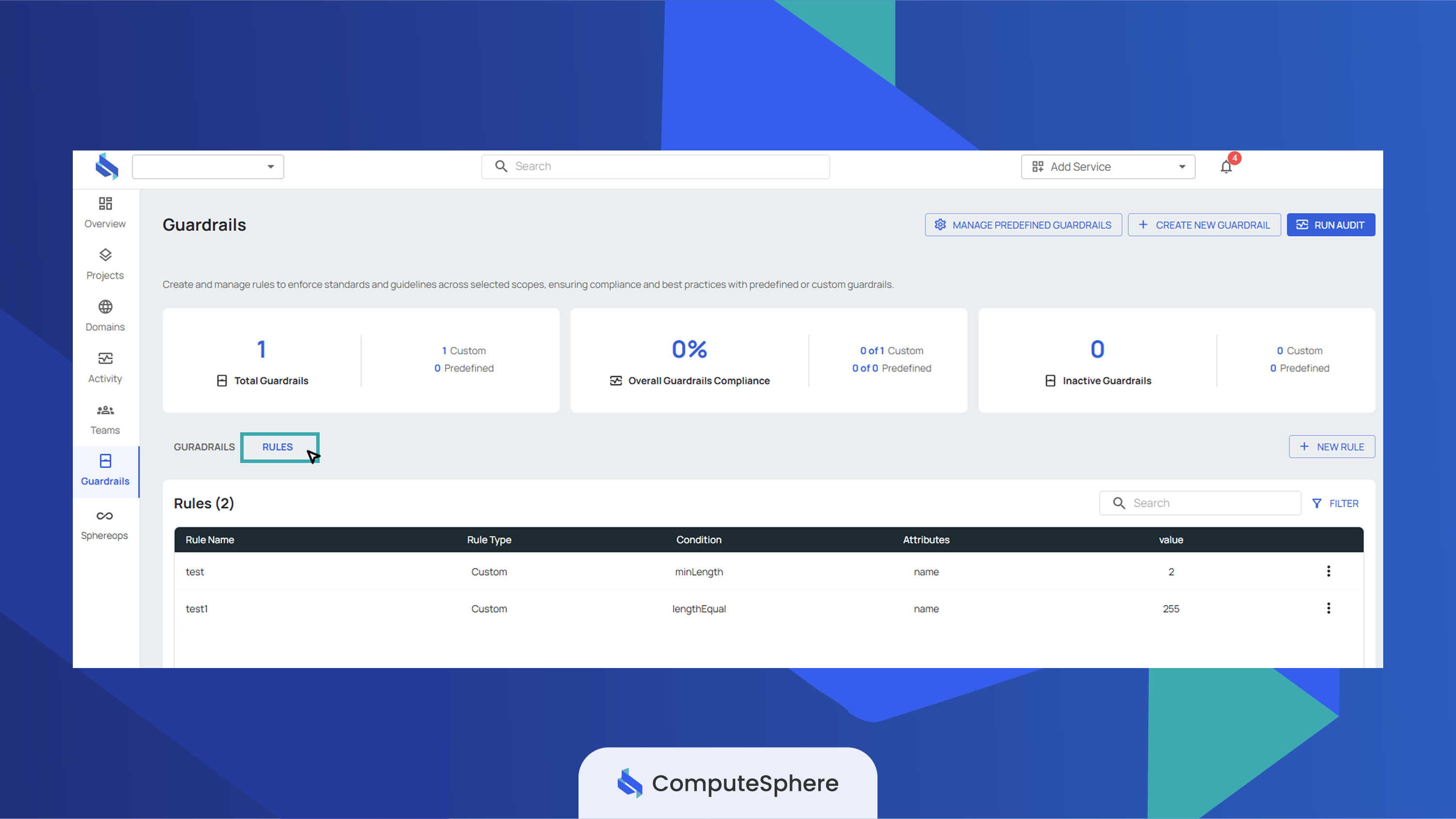
Open the Guardrails tab and switch to the Rules sub-tab.
-
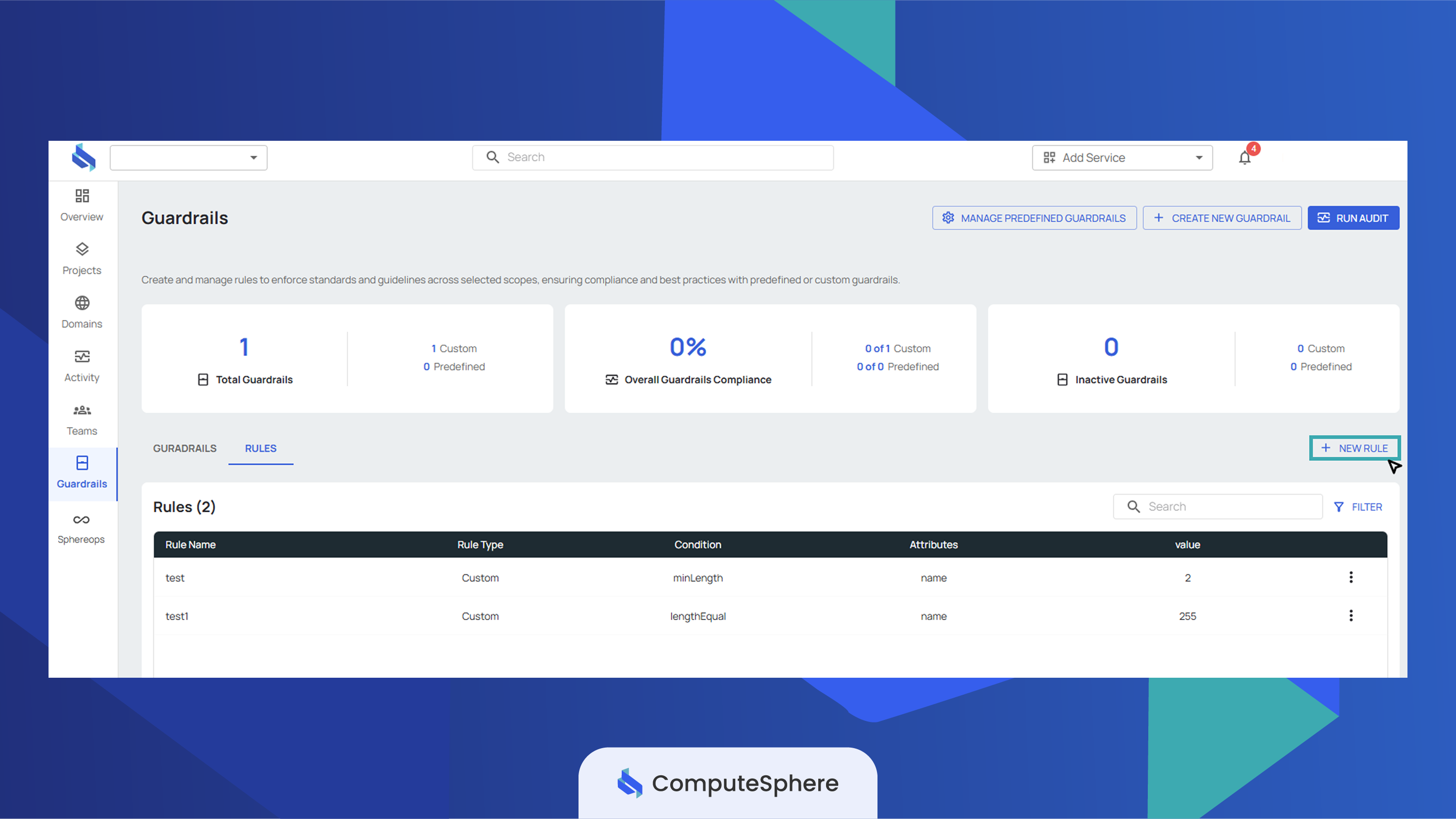
Click New Rule.
-
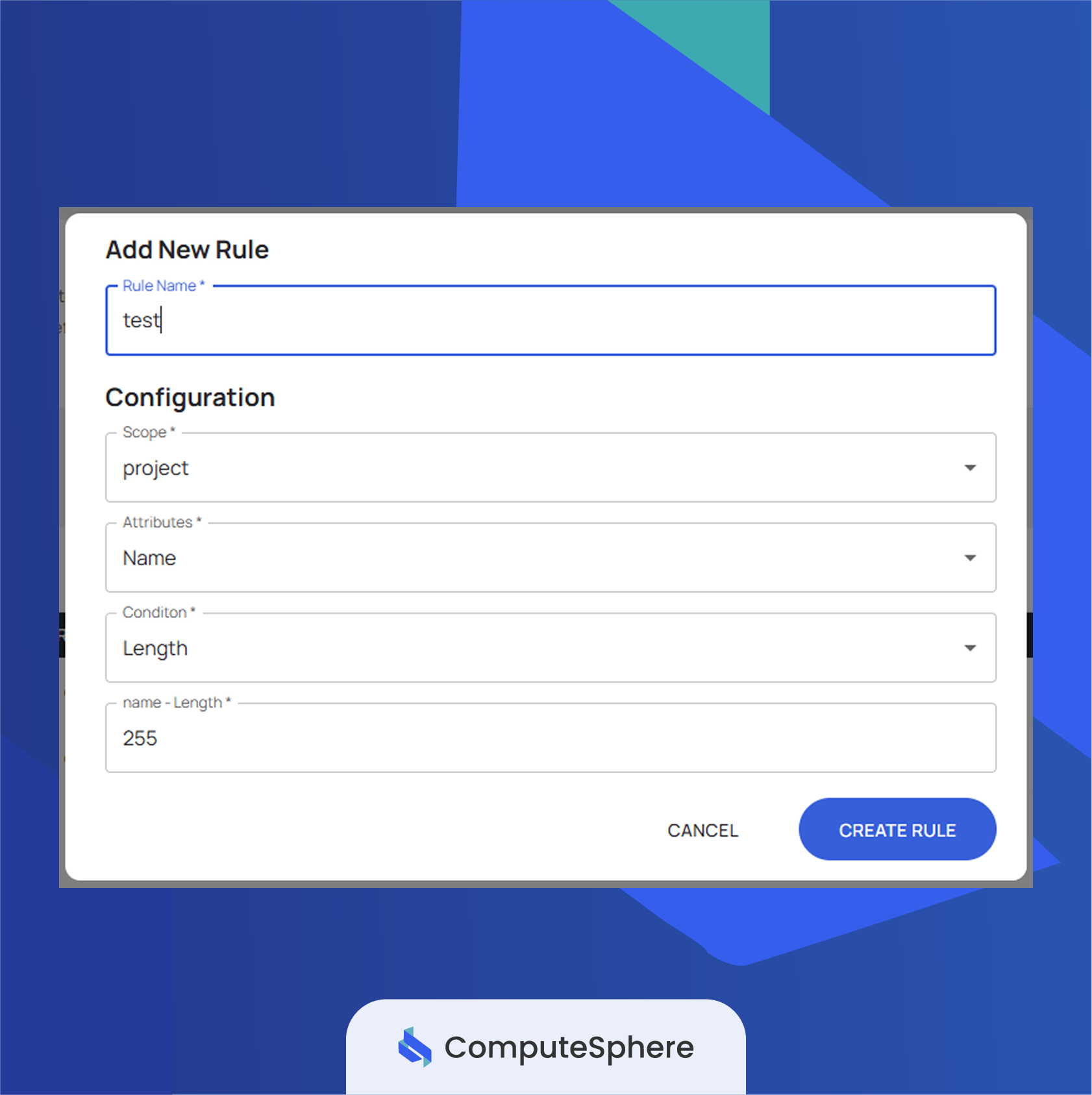
Enter a Rule Name — descriptive enough that you'll recognize it when attaching to a guardrail later.
-
Pick the Scope —
Project,Environment, orService. The rule will only evaluate resources of that type. -
Pick the Attribute —
NameorDescription. -
Pick the Operator from the table above, then fill in the Value field. Length operators take a number; string operators take text.
-
Click Create Rule.
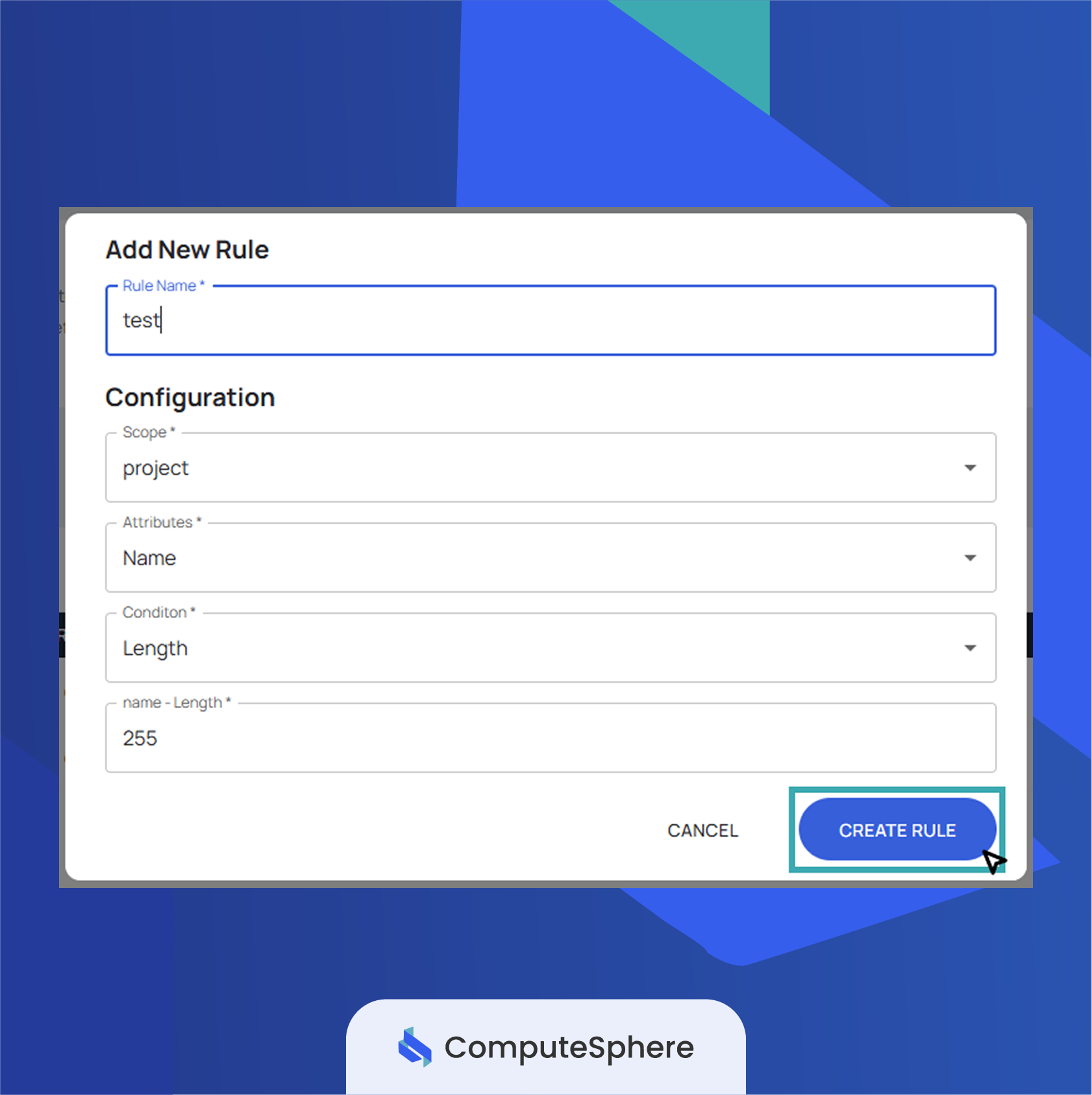
The rule appears in the library and is immediately attachable to a guardrail. It doesn't evaluate anything on its own — guardrails are what bind a rule to a block/warn effect and run it.
When rules evaluate
Rules run when a guardrail evaluates — either as part of the audit run triggered from the console (or scheduled by the platform), or when a resource is created or updated and the matching guardrail is in block mode.
- Block-effect guardrails evaluate at the moment of the create/update API call. The operation is rejected before it persists; the actor sees the guardrail's
message. - Warn-effect guardrails evaluate during audit runs. Violations are recorded in the audit log and surfaced in the console; the resource is allowed.
If the same rule is attached to two guardrails — one block, one warn — both evaluate, and the strictest effect wins on a violation.
Honest limits
- Rules only read
nameanddescription. Other resource fields (env vars, plan, spherelet count, image, etc.) are not exposed to rules today. - Operators are string and length-based. Numeric comparison on counts or sizes isn't supported — use
regexif you need pattern logic the listed operators don't cover. - String operators are case-sensitive. Use
regexwith(?i)for case-insensitive matching. - A rule with no guardrail attached does nothing. The rule library is just storage. Attach the rule to a guardrail to make it evaluate.
- Deleting a rule fails if it's still attached. Detach the rule from every guardrail before deleting, or the API returns an error.
- Rules and guardrails share the same scope. A
project-scoped rule can only be attached to aproject-scoped guardrail. Create a parallel rule for each scope you need to cover.
What's next
- Create a guardrail — bundle one or more rules under a name, scope, and effect.
- Predefined guardrails — platform-managed rule bundles you can assign without authoring rules.
- Activity — the audit trail of every rule and guardrail change.
- Security → Access controls — who in your account can edit rules and guardrails.