API tokens
API tokens are how the ComputeSphere API, CLI, and SDKs authenticate. They're bearer credentials, prefixed csph_ so secret scanners (GitHub, GitLab, others) catch them if they're ever pushed to a repo by accident.
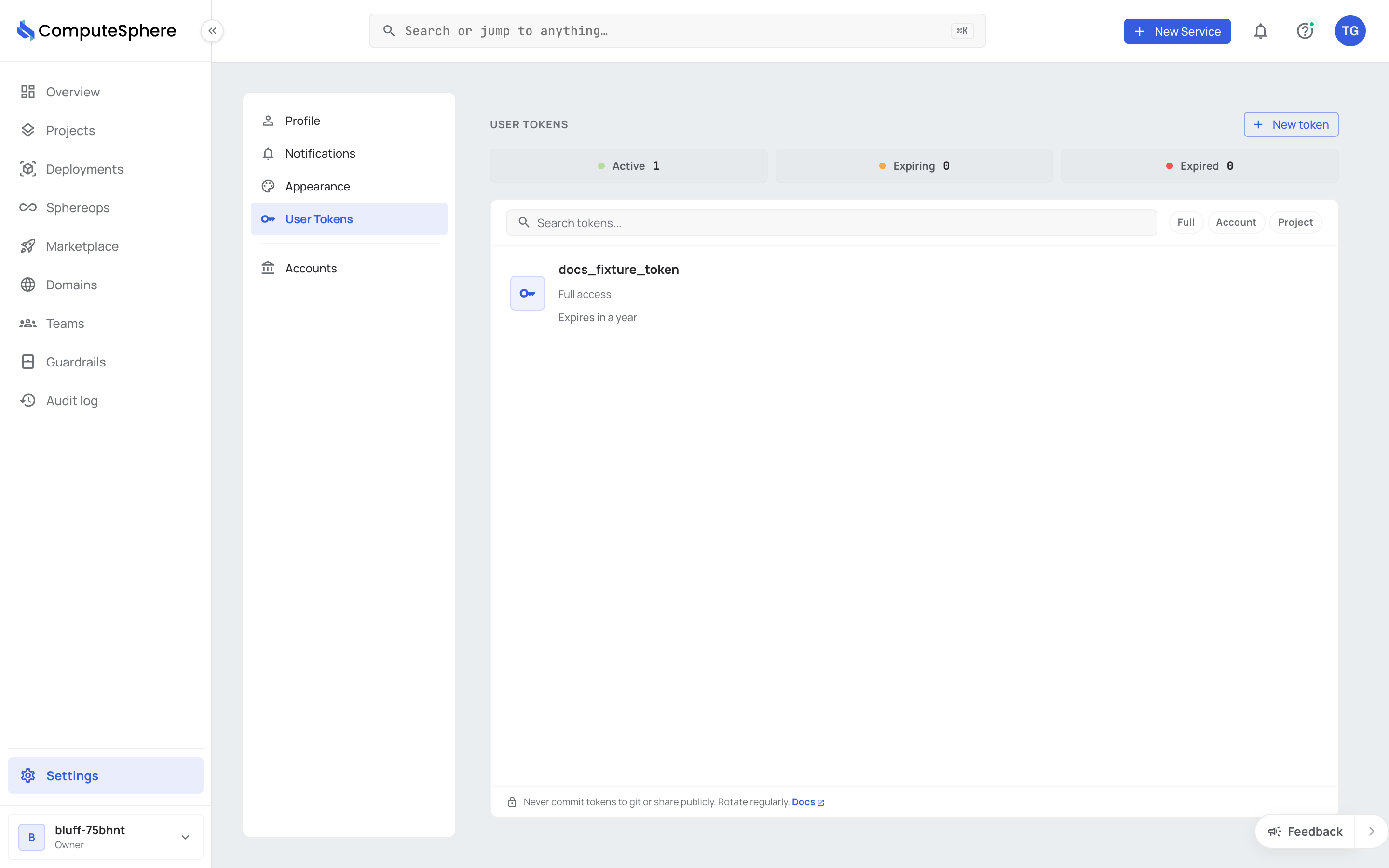
Scopes
A token's scope decides what it can reach. Pick the narrowest scope that works.
| Scope | Reaches | Use for |
|---|---|---|
full | Every account the user belongs to | Personal tooling, local CLI sessions, scripts that span accounts |
account | One or more named accounts | CI pipelines that ship to a specific account |
project | One or more named projects | Per-service automation that shouldn't touch sibling projects |
Scope is set at creation and immutable for the life of the token. To change scope, mint a new token and revoke the old one.
Create a token
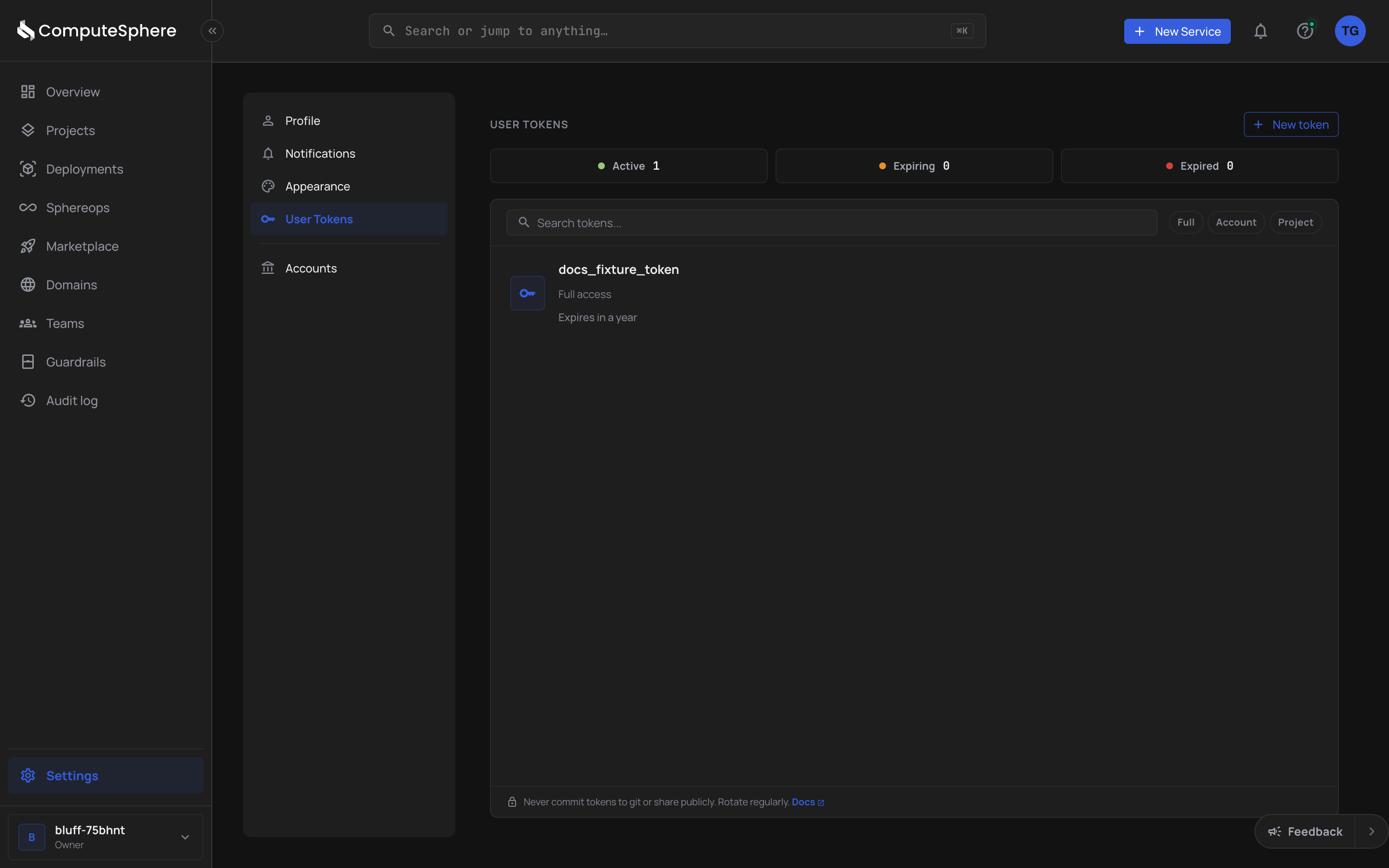
- Open Settings → User tokens → New token.
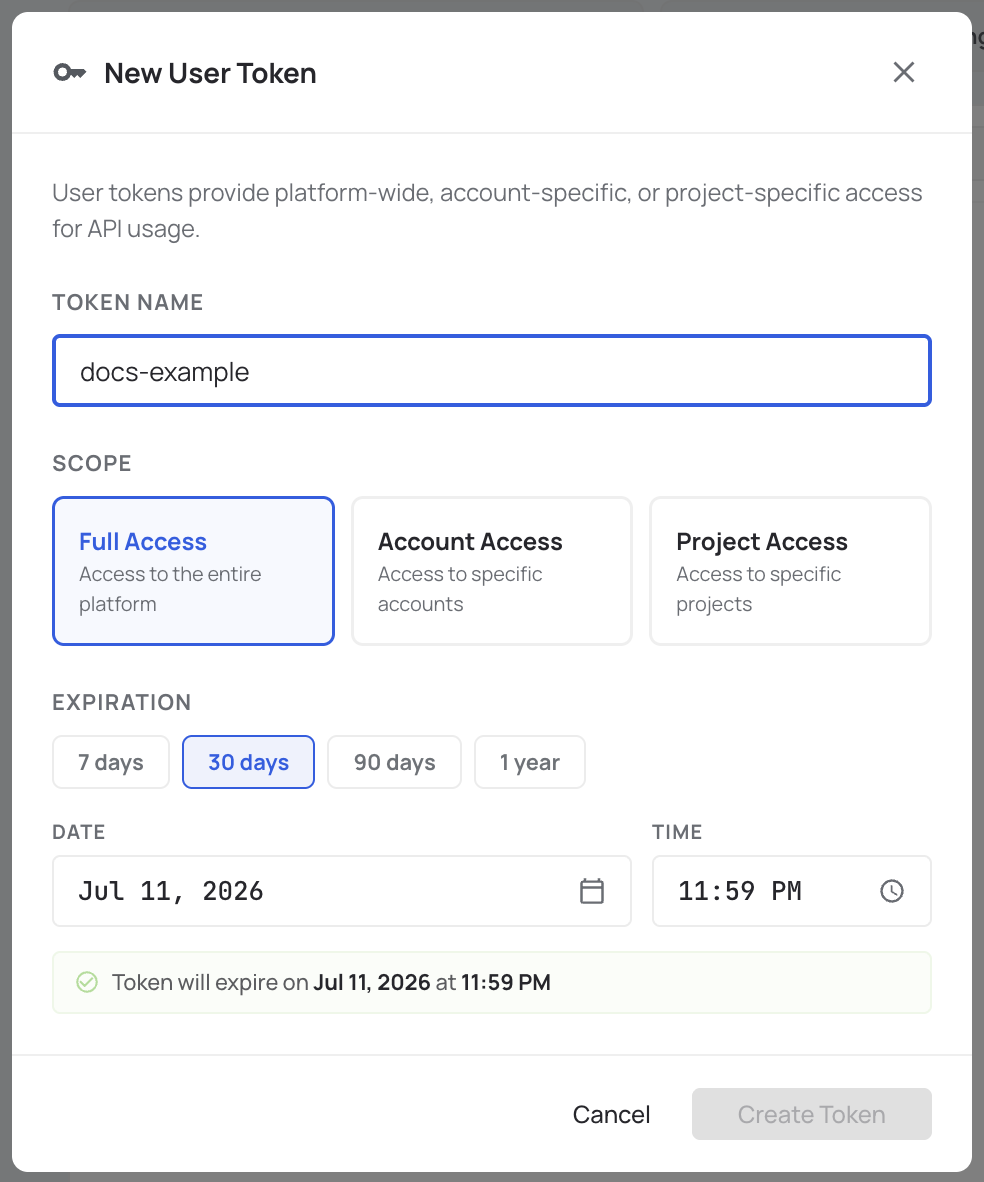
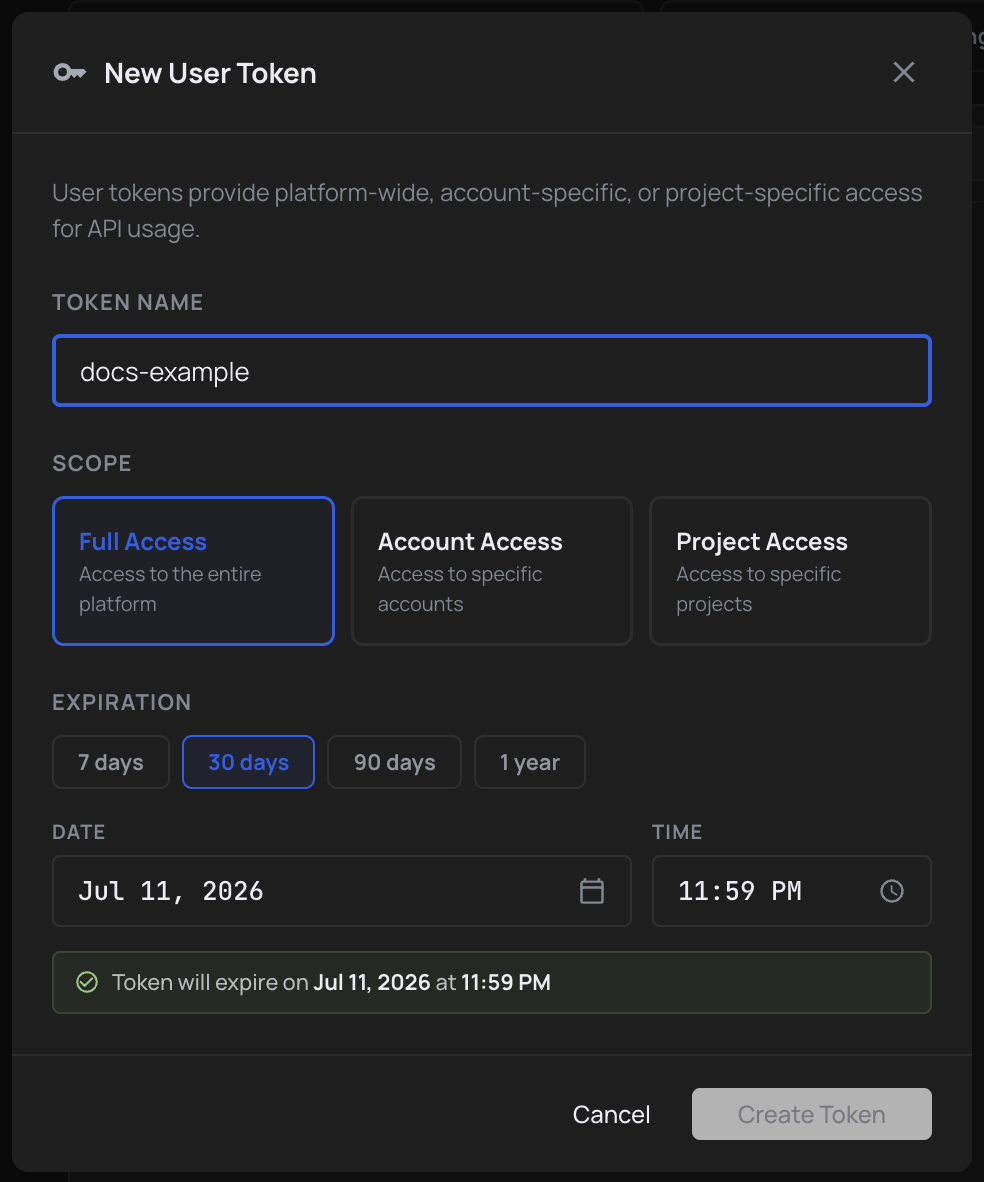
- Name it (something you'll recognize in the list six months from now).
- Pick a scope: Full access, Account access or Project access. For account or project access, select which.
- Set an expiry. Shorter is safer.
- Click Create token. The token value displays once.
The token value is shown exactly once. Copy it into your secret store immediately — there's no way to retrieve it afterward.
Use a token
Pass it as a bearer token. The legacy x-user-token header is gone.
curl https://api.computesphere.com/v2/users/me \
  -H "Authorization: Bearer csph_..."
When the token can reach multiple accounts (full scope, or account scope with more than one account), add the x-account-id header to pick which account each request runs against:
curl https://api.computesphere.com/v2/accounts/{account_id}/members \
  -H "Authorization: Bearer csph_..." \
  -H "x-account-id: YOUR_ACCOUNT_ID"
For project-scoped tokens, the account is inferred from the project — x-account-id is unnecessary.
Manage tokens via the API
List tokens for the account in context:
curl https://api.computesphere.com/v2/api-tokens \
  -H "Authorization: Bearer YOUR_API_TOKEN" \
  -H "x-account-id: YOUR_ACCOUNT_ID"
Create a new token:
curl -X POST https://api.computesphere.com/v2/api-tokens \
  -H "Authorization: Bearer YOUR_API_TOKEN" \
  -H "x-account-id: YOUR_ACCOUNT_ID" \
  -H "Content-Type: application/json" \
  -d '{
    "name": "ci-deploy",
    "scope": "project",
    "project_ids": ["YOUR_PROJECT_ID"],
    "expiry": "2027-01-01T00:00:00Z"
  }'
Revoke:
curl -X DELETE https://api.computesphere.com/v2/api-tokens/{token_id} \
  -H "Authorization: Bearer YOUR_API_TOKEN" \
  -H "x-account-id: YOUR_ACCOUNT_ID"
Full request and response shapes are in the API reference.
Delete a token
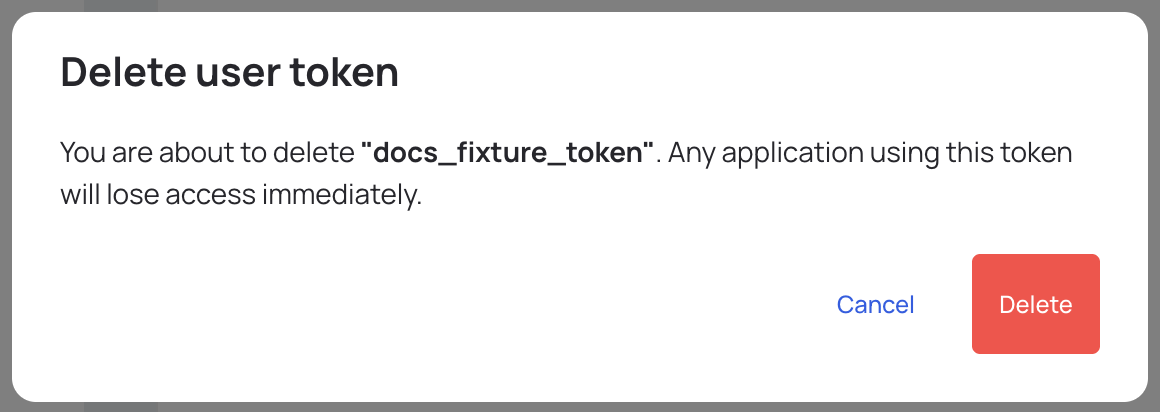
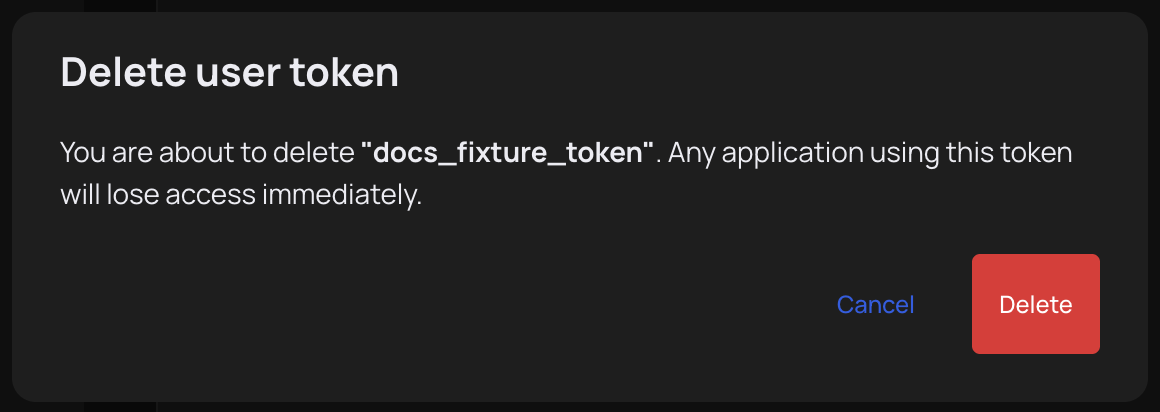
In the console, the delete icon on a token's row opens Delete user token; confirm with Delete. Revocation is immediate — in-flight requests using the token complete; any new request returns 401.
CLI
csph auth token list
csph auth token create --name ci-deploy --scope project --restrictions <project-id> --expiry "2027-01-01 00:00:00"
csph auth token delete <token-id>
For local development, prefer csph auth login — it uses device-code authentication and refreshes credentials automatically, so you don't need a long-lived token on disk.
Honest limits
- The token value is shown once. No retrieval, no recovery. Store it immediately or recreate it.
- Scope is fixed at creation. Rotation = mint new, revoke old. There's no edit-in-place.
- Tokens are user-bound. A token authenticates as the user who created it, capped by the scope. If that user is removed from the account, their tokens stop working.
- No IP allowlisting today. Bearer-only — protect the value as you would any production secret.
- Expiry is required. There's no never-expiring option. Pick the longest expiry your security policy tolerates.
- No fine-grained capability scopes yet. Within a scope, a token has the same permissions as the user who created it — there's no read-only or deploy-only flavor.
What's next
- API key quickstart — first API call end to end
- CLI overview — install
csphand sign in via device code - Access controls — how scope + role combine on each request