Profile
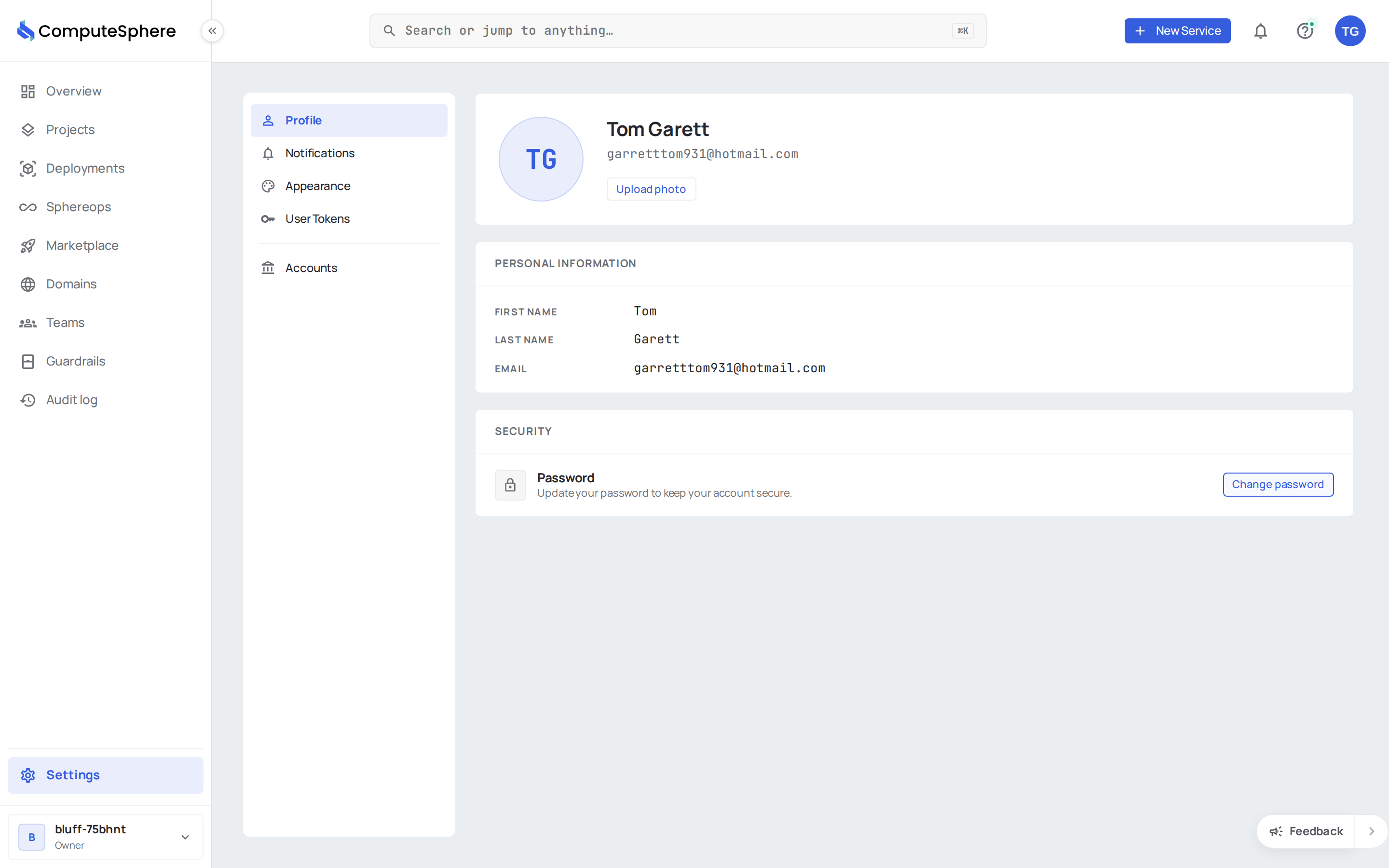
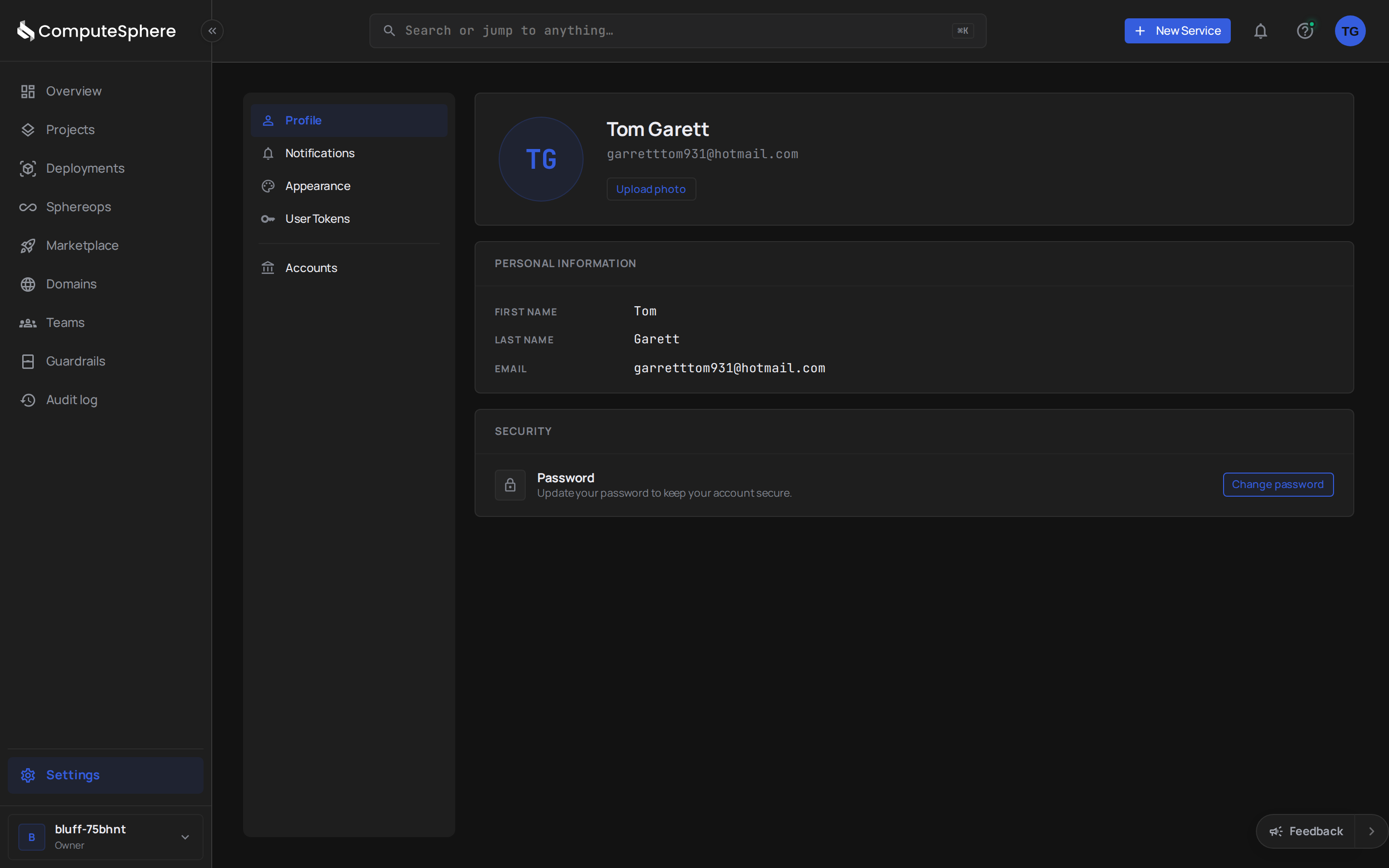
Your profile is the personal layer that travels with you across every account you belong to. Settings on this page apply to you, not to the active account.
What you can edit
| Field | Notes |
|---|---|
| First name, last name | Plain text. Shown on activity, invitations, and notifications. |
| Profile picture | PNG or JPG. Stored on a 15-minute signed upload URL and served as a stable public URL. |
| Password | Local sign-ins only. Federated sign-ins (Google, SAML, etc.) manage credentials at the identity provider. |
| Read-only here. Email change requires a re-verification round-trip; contact support today. |
Update your profile in the console
- Open Settings → Profile.
- Edit any of the editable fields.
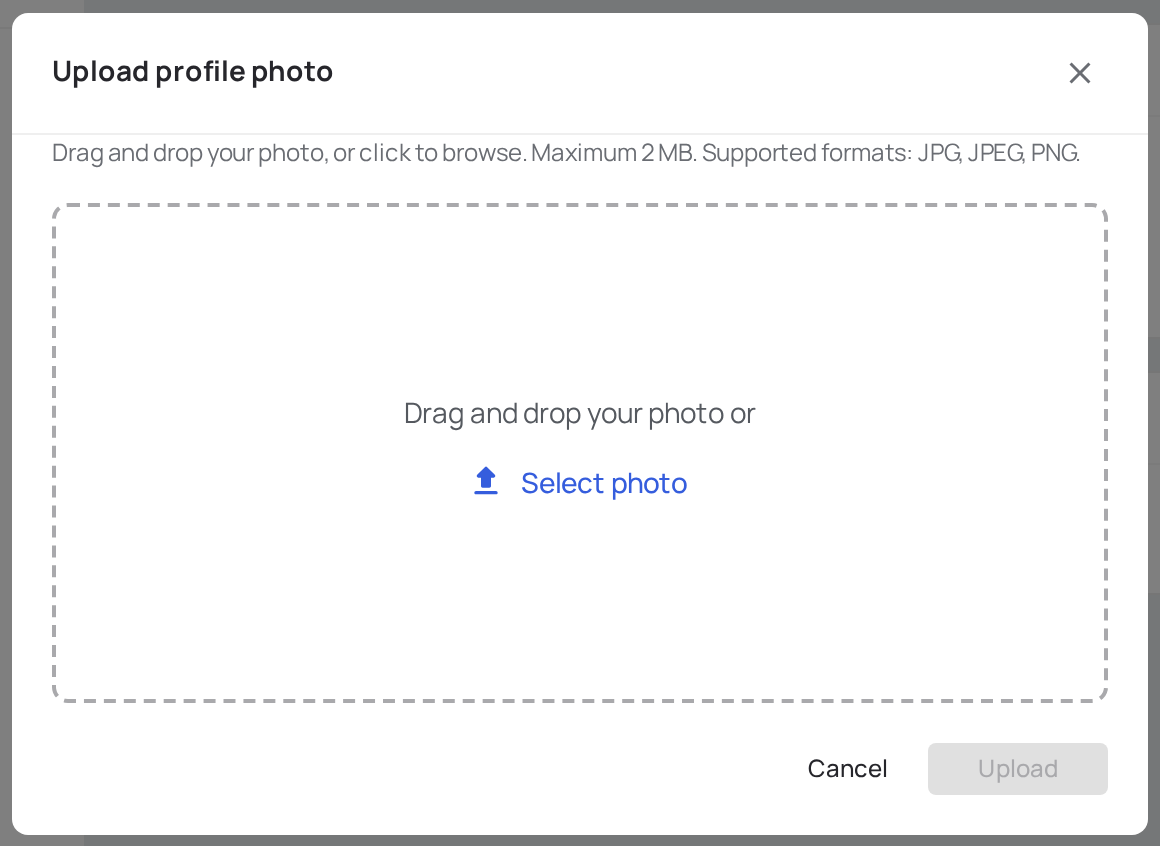
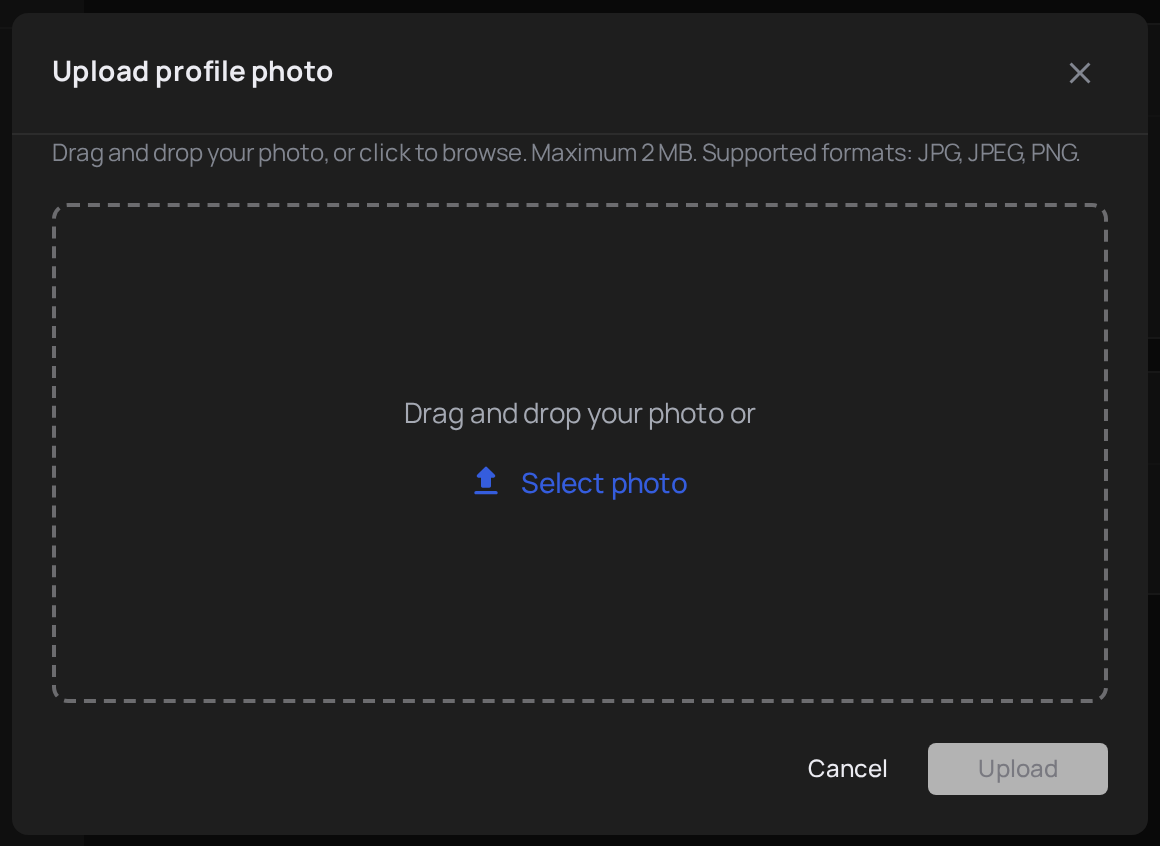
- Profile picture: click Add Photo (or Change Photo) and either browse or drag-and-drop. Remove clears it.
- Password: click Change Password, enter the current and new password, then Update.
Update your profile via the API
The current-user surface lives at GET /v2/users/me and PATCH /v2/users/me. Only the fields you send are applied.
curl -X PATCH https://api.computesphere.com/v2/users/me \
  -H "Authorization: Bearer YOUR_API_TOKEN" \
  -H "Content-Type: application/json" \
  -d '{
    "first_name": "Ada",
    "last_name": "Lovelace"
  }'
To change a password:
curl -X PATCH https://api.computesphere.com/v2/users/me \
  -H "Authorization: Bearer YOUR_API_TOKEN" \
  -H "Content-Type: application/json" \
  -d '{
    "current_password": "...",
    "new_password": "...",
    "confirm_password": "..."
  }'
The full request/response shape is in the API reference.
Update your profile via the CLI
csph auth login                 # sign in via device code if you haven't
csph profile show               # current profile
csph profile update --first-name Ada --last-name Lovelace
Honest limits
- SSO-managed profiles can't change credentials locally. When
is_sso_managedis true onGET /v2/users/me, the Change Password control is disabled and the FE shows a "Managed by SSO" badge. Update at the identity provider instead. - Email change is not self-serve. Email is the primary sign-in identifier. Contact support to change it; the round-trip requires verifying the new address.
- Profile picture URLs aren't private. The public URL is unauthenticated by design — anyone with the link can fetch the image. Don't store sensitive material in your avatar.
- One profile per human. You can't merge two profiles. If you signed up twice with different emails, pick one and accept invitations from the other into it.
What's next
- Accounts — switch between accounts and manage members
- Appearance — light, dark, or sync with your system
- Access controls — how your profile resolves to roles in each account